
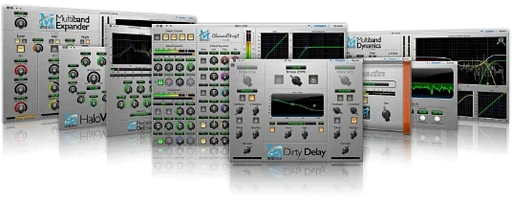
Metric Halo Production Bundle for macOS
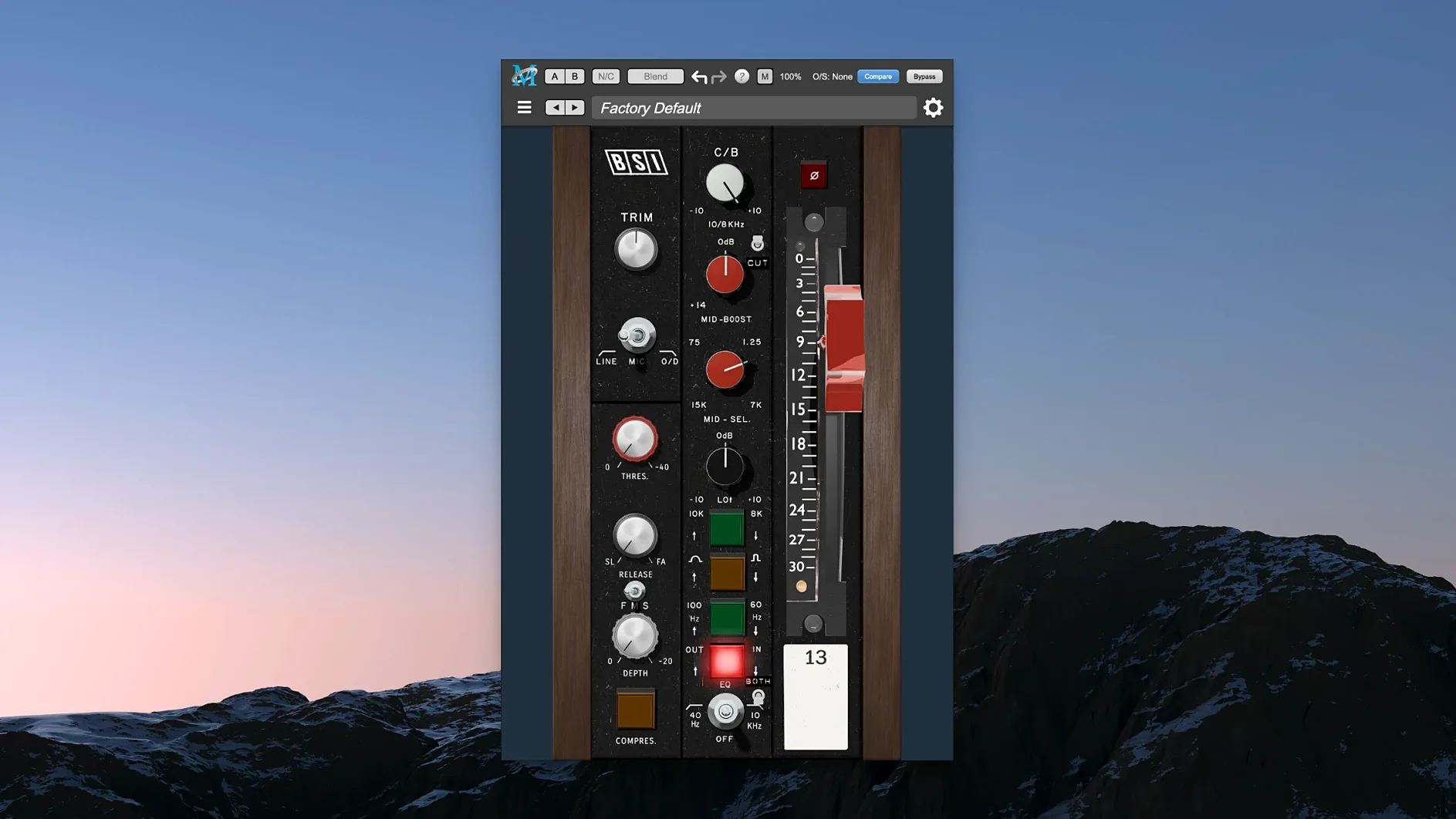
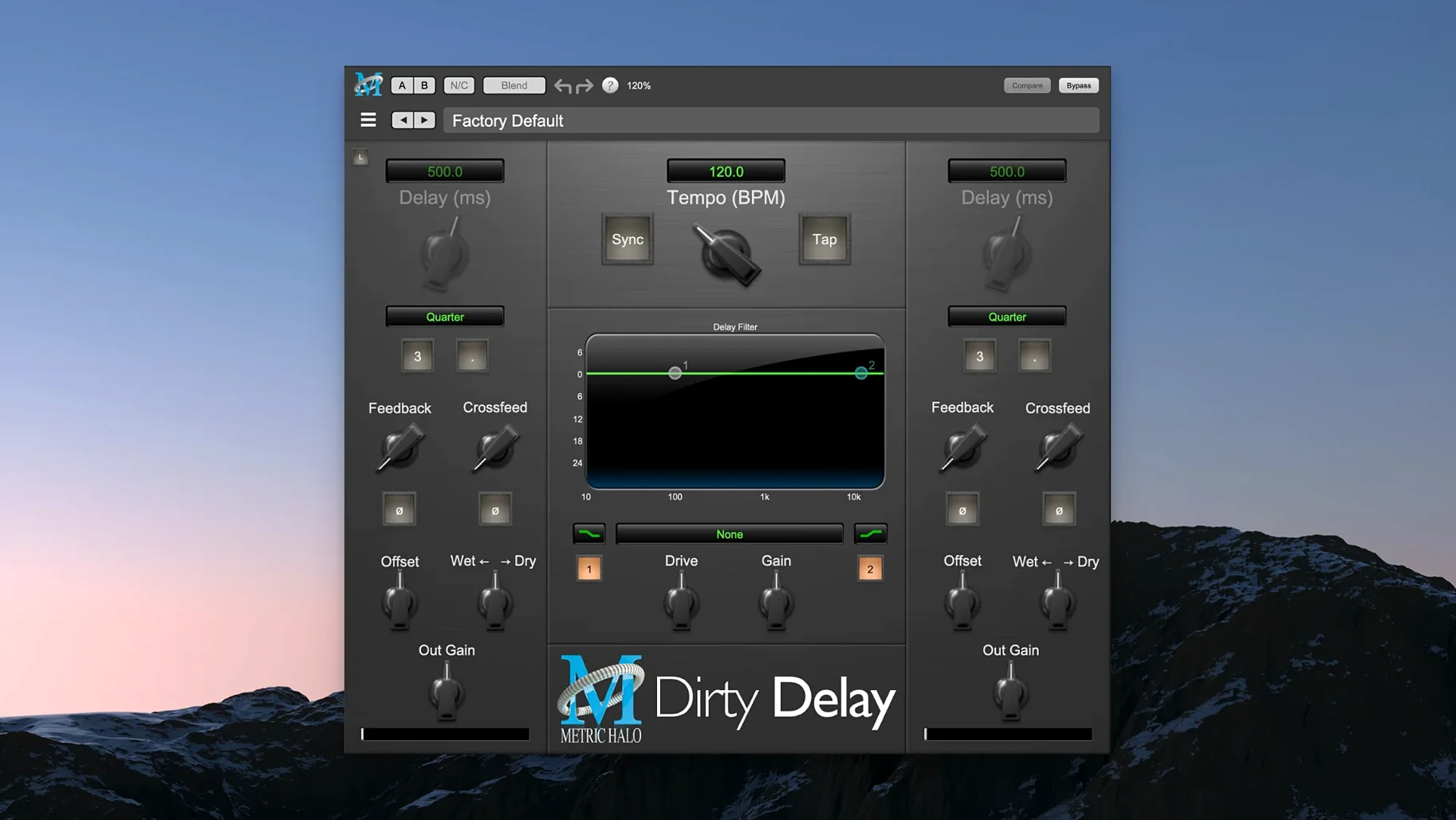
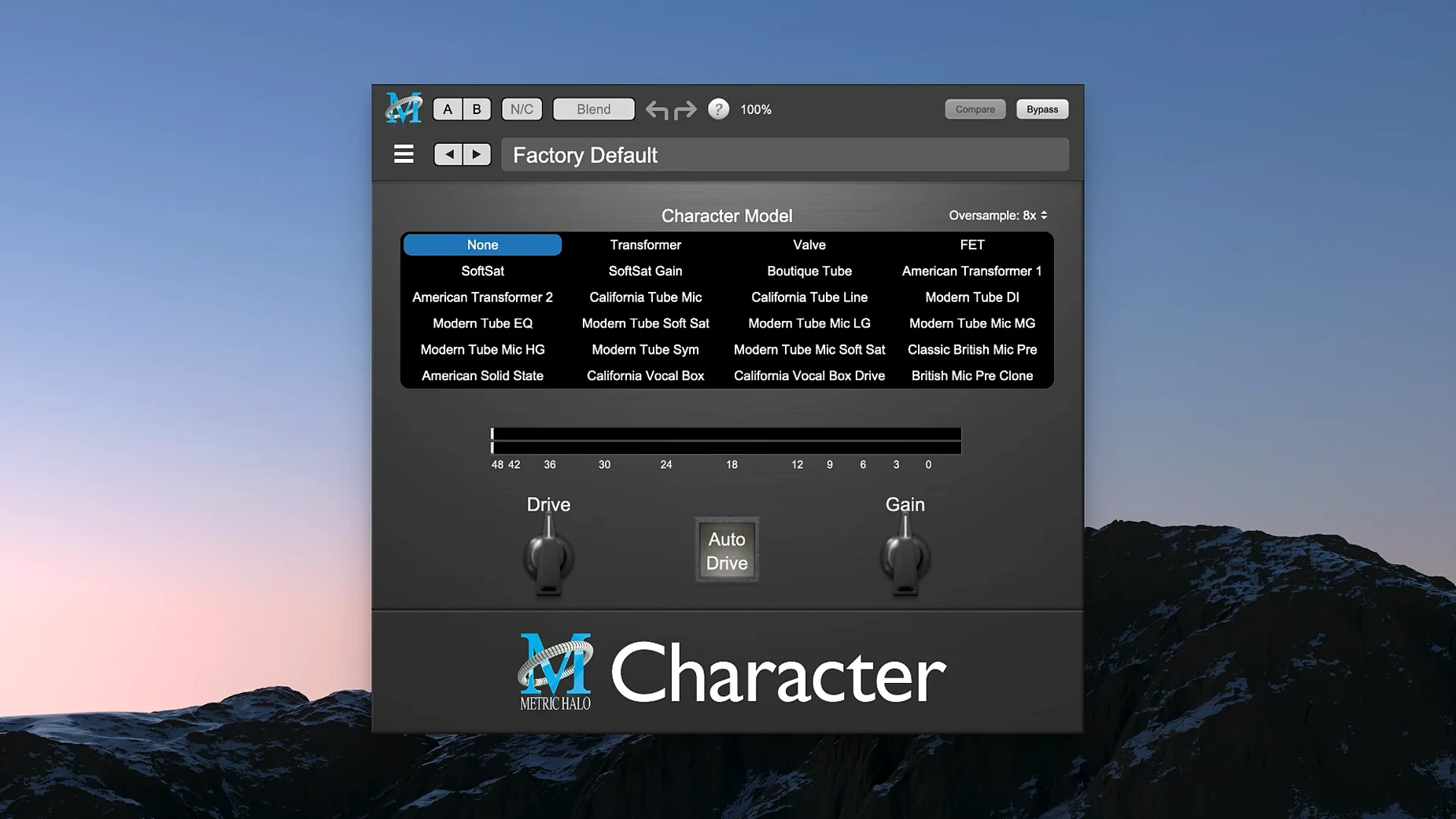
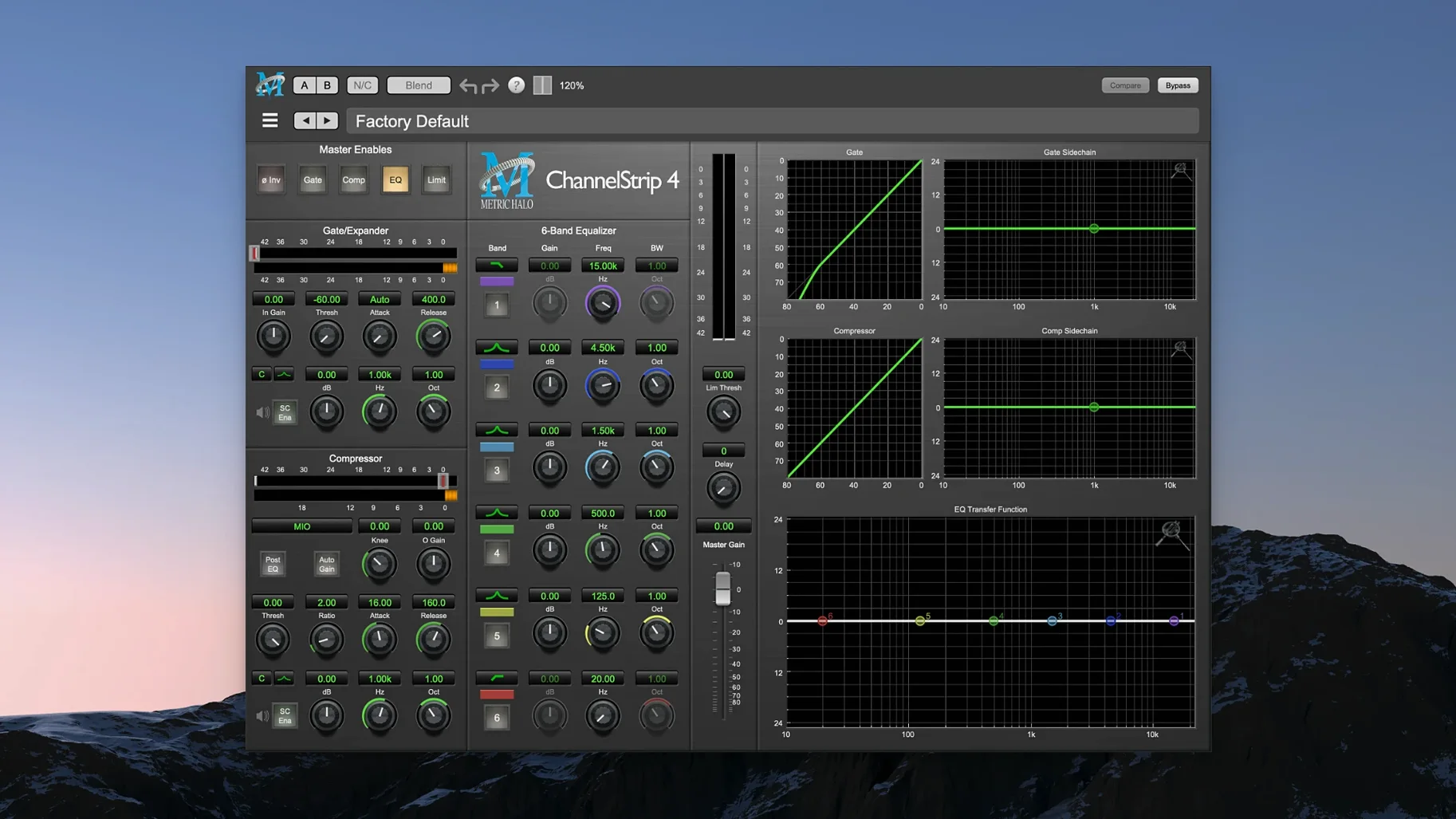
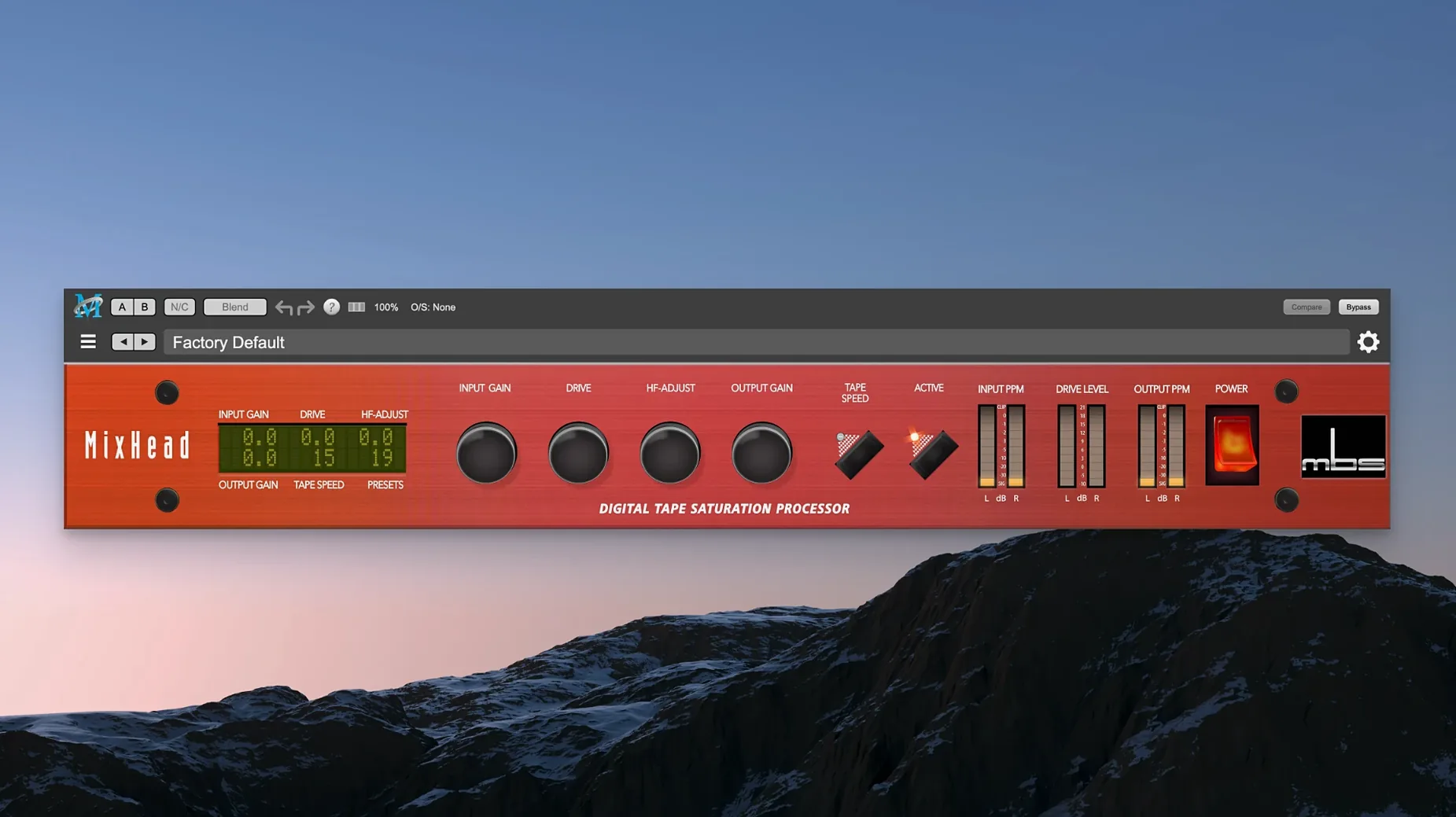
Mix engineers and sound designers who reach for channel-strip consistency across a whole session are the natural audience for the Metric Halo Production Bundle. It is not a single processor — it is a curated rack of plug-ins that cover the jobs you repeat on tracks, buses and the master fader. You get a full-featured channel strip, an algorithmic reverb, a sub-harmonic synthesizer and a dedicated de-esser, all in one package so you do not have to marry three different developers just to finish a vocal chain.
Where each tool sits in a session
- MIOStrip on individual tracks for gate, compression and EQ duties — think kick drum cleanup or tightening a bass DI.
- Precision De-Esser on lead and backing vocals, often placed after compression to catch sibilance that the compressor brings up.
- HaloVerb on an aux send from vocals, snare and synth pads when you want an algorithmic tail that can go from tight room to long modulated space.
- Metric Halo Thump on kick, bass and sub-heavy synth buses for harmonic synthesis that reinforces low end without muddying the fundamental.
What makes the bundle coherent
Because all four plug-ins come from Metric Halo, the gain staging and metering conventions stay familiar as you move from slot to slot. That matters when you are working fast on a deadline mix. The bundle runs native on Apple Silicon, so a MacBook Air with macOS 11 or later handles a full instance spread without a Rosetta translation layer in the way. Inside the .dmg you will find VST3 and AU formats that drop straight into Logic Pro, Cubase or Reaper once you follow the included activation instructions.
Building a kick-and-bass pocket with MIOStrip and Thump
Here is a start-to-finish chain I reach for when a rock or electronic mix arrives with a kick drum that disappears on small speakers and a bass line that lacks weight below 80 Hz. The goal is a tight pocket where both elements breathe without fighting.
I begin on the kick track with MIOStrip. First move: insert the plug-in post-fader and open the gate section. I set the threshold just above the bleed level of the hi-hat — usually around -32 dB — with a fast attack around 0.1 ms and a hold of 12 ms. The release stays short, roughly 25 ms, so the gate closes before the next kick hit. That cleans the silent gaps without chopping the tail. Next I switch to the compressor and dial a 4:1 ratio with the sidechain filter engaged at 60 Hz to stop the sub-lows from triggering gain reduction too early. Attack sits at 8 ms, letting the beater transient through; release follows the tempo, around 120 ms for a track at 120 bpm. I pull the threshold down until I see 3–5 dB of reduction on the loudest hits. Then the EQ: a narrow -3 dB cut at 400 Hz pulls out boxiness, and a broad 2 dB shelf from 8 kHz up gives the beater click some air.
On the bass track I insert a second MIOStrip. The gate works as a tightener here — threshold set to catch only the sustain part of the note, attack at 2 ms, release around 80 ms. Compression follows at 3:1 with a slower 15 ms attack and auto release. I engage the sidechain and feed it from a bus that carries the kick — this is where the sidechain function in MIOStrip earns its keep. Every time the kick hits, the bass compressor ducks by 2–3 dB. The result is a rhythmic push-pull that keeps the low end from turning into a constant hum.
Now the magic layer. I duplicate the bass track and insert Metric Halo Thump on the copy. I set the frequency to 55 Hz — just below the fundamental of the bass line — and blend the synthesized harmonic at about 40% wet. Thump analyses the incoming signal and generates sub-harmonic content that follows the playing dynamics, so quiet notes get a proportional lift. I high-pass the original bass track at 70 Hz and let Thump carry everything below that. On a small Bluetooth speaker those sub frequencies collapse, but the harmonics Thump introduces higher up the series still give the impression of weight. That is what keeps a mix translating to a phone or a laptop.
Finally I route both kick and bass to a group bus with a third MIOStrip on it, EQ flat, compressor doing gentle 2:1 glue with 1–2 dB of reduction. No sidechain here — just a cohesive landing point for the two signals.
Do 16 tracks of ChannelStrip drain your M1?
On an M1 Max MacBook Pro, sixteen tracks each running MIOStrip plus a couple of HaloVerb instances on aux sends sit at roughly 18–22% CPU in Logic Pro with a 128-sample buffer. The meters stay responsive and I have yet to see a spike that triggers a system overload — something I cannot say for every channel strip bundle I have tried. The plug-ins load instantly; there is no beachball when you open a GUI mid-playback. That matters when you are tweaking a de-esser in the middle of a dense chorus and the transport keeps rolling.
Memory use is modest. A session with MIOStrip on 24 tracks, Thump on two, Precision De-Esser on three and HaloVerb on one aux adds roughly 180–220 MB of RAM. For comparison, that is in the same ballpark as a single convolution reverb from some other developers. The bundle clearly favours DSP efficiency over splashy graphics, and the interface rendering reflects that — knobs and meters redraw without any compositing lag even on a scaled Retina display.
Stability under heavy automation is solid. Riding the threshold on MIOStrip or sweeping HaloVerb's decay time while Logic writes touch automation produces no clicks or dropouts. The one quirk I have noticed: if you insert Thump while the transport is running on a very low-latency buffer (32 samples), the plug-in sometimes takes a second to sync its analysis. A quick stop-start sorts it, and at 64 samples or above it never happens.
Where does it trade visual feedback for lower CPU?
Set beside the FabFilter Pro bundle, the Metric Halo suite makes different trade-offs. FabFilter gives you surgical visual feedback — real-time spectrum displays, interactive EQ curves — and a broader toolset with multiband compression and limiting. Metric Halo keeps the GUI spartan: no spectrum analyser inside MIOStrip, no animated transfer curves. What you get instead is a consistent gain structure across plug-ins and a lighter CPU footprint per instance. On a large tracking session, I can run MIOStrip on every channel without freezing, where Pro-Q plus Pro-C on the same count would push me closer to the ceiling.
Compared with the Waves SSL or API collection, the difference is partly about modelling philosophy. Waves emulates specific console circuitry, complete with the harmonic distortion and noise floor that come with it. The Production Bundle does not try to clone a 4000-series desk or a 2500 bus compressor — it gives you clean, modern digital processing that stays out of the way unless you push Thump into deliberate harmonic generation. If you want a console colour box, Waves has that flavour. If you want a transparent toolkit that behaves the same whether you are on track one or track forty, Metric Halo is the more predictable choice.
Against Plugin Alliance channel strips — the bx_console range — Metric Halo again leans toward consistency over character. Plugin Alliance strips each carry the personality of a specific desk, with different tolerance modelling and TMT channel variation. The Production Bundle gives you one single channel strip architecture repeated, and that uniformity is exactly what makes it fast: learn MIOStrip once, and you know the dynamics and EQ on every track in the session. No mental switching between different threshold curves or Q bandwidth
- macOS 11 or later
- Apple Silicon Mac (native ARM support)
$ man metric-halo-production-bundle | grep -A2 "?"
Does the bundle include a reverb?
Yes, HaloVerb is an algorithmic reverb that covers everything from tight ambience to long modulated tails.
What is Metric Halo Thump used for?
Thump performs harmonic synthesis to reinforce low frequencies — engineers typically place it on kick drum, bass and sub-heavy buses.
Is this a single plug-in or a collection?
It is a suite of several Metric Halo plug-ins: MIOStrip, Precision De-Esser, HaloVerb and Thump all come in one package.
Comments 0
Sign in or create an account to leave a comment.
No comments yet. A codec, a slice, a machine — they appear after moderation.
More in VST Plugins
cd ../ Melodyne
VST Plugins 97 MB
 MeldaProduction MCompleteBundle
VST Plugins 1.2 GB
 MiniMeters
VST Plugins 103 MB
 Minuit Solstice
VST Plugins 117 MB
 MixWave Manuel Gardner Fernandes
VST Plugins 238 MB
 Native Instruments Massive X
VST Plugins 1.6 GB
 Native Instruments Noire KONTAKT
VST Plugins 14.7 GB
 LFOTool
VST Plugins 7 MB