
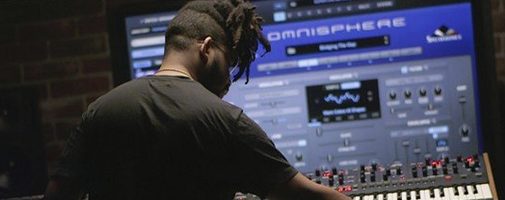
Omnisphere for macOS
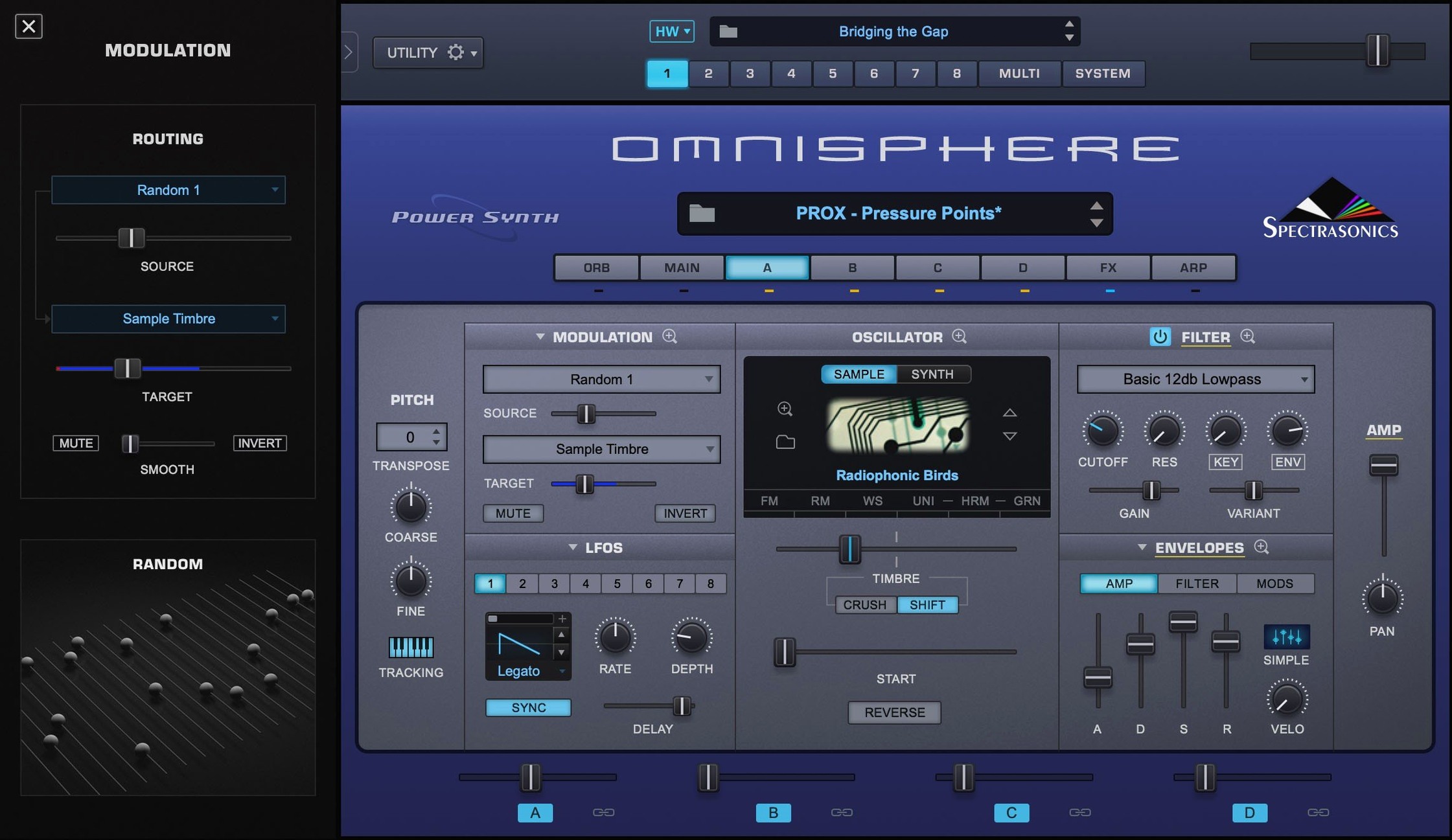
You're scoring a film cue and need a patch that moves between a glassy, phase-shifting pad and a snarling, distorted bass without loading three different plug-ins. Omnisphere 3 sits on a single instrument track, pulling that off through its hybrid synthesis engine before you finish dragging the mod wheel.
Apple Silicon and Intel 64-bit support from macOS 11 onward
You need macOS 11 or later. The instrument runs natively on both Apple Silicon (ARM) and Intel 64-bit Macs, so there is no translation layer slowing things down on newer machines.
What plug-in formats does it install?
The installer places a standalone application alongside AU, VST, and AAX plug-ins. That covers Logic Pro, Ableton Live, Cubase, Pro Tools, and pretty much any DAW you are likely to have open.
What kind of synthesis does it actually do?
It combines sample-based playback, wavetable, granular, virtual analog, and FM synthesis in a single patch. The Hardware Synth Integration feature also lets you map physical knobs and sliders on supported synthesizers directly to the software parameters.
Which settings should I change right after installing?
Open the System pane before you even load a patch. The default audio driver settings are sensible, but the Streaming section deserves a look. If you keep the factory library on an external SSD, point the STEAM folder path there immediately — leaving it on a slow internal drive while auditioning layered patches will give you dropouts that have nothing to do with your buffer size.
Switch the MIDI learn mode from the default "Host Automation" to "Omnisphere MIDI CC" if your controller sends standard CC messages. That single change stops most of the "why isn't my mod wheel working" confusion before it starts. Also, disable Streaming Light if you have enough RAM — the disk activity indicator in the top bar turns red less often when Omnisphere keeps more sample data in memory.
Can the STEAM folder live anywhere on your Mac?
Does the STEAM folder need to live in a specific location? No, but Omnisphere remembers where you point it. After moving the library, hold the Option key while launching the standalone app to bring up the library location dialog. If you skip that, it will complain about missing sounds on startup.
Can I use this without a DAW? Yes. The standalone application is fully functional. Keyboard players often run it that way for practice or live performance, routing audio directly to an interface without a host in between. The standalone app also responds to program change messages, so you can step through patches from a controller.
Will my old Omnisphere 2 patches load? They will, and the engine recognizes them. Patches saved in version 2 open in version 3, though the reverse is not true — anything using the new wavetable or granular features won't translate backward.
Does Hardware Synth Integration need a supported synth connected at all times? No. You can load profiles for synths you don't own and still browse the curated patch categories tied to them. The physical hardware adds hands-on control, but the sound content works independently.
Right-click any knob for a global MIDI Learn assignment
Right-click any knob and choose MIDI Learn — the assignment sticks globally, not just for the current patch. If you always want a specific fader controlling filter cutoff across every sound you load, this is where you set that.
The Sound Lock feature is nearly invisible but genuinely useful. Click the small padlock icon in the browser toolbar, and Omnisphere keeps the current layer or effect settings frozen while you scroll through other patches. That means you can audition different oscillator combinations through the same reverb tail, or test bass patches through an amp sim chain you've already dialed in.
In the browser, typing modwheel or aftertouch into the search bar filters patches that are explicitly set up to respond to those controllers. It saves you from loading a pad that only reacts to velocity when you want something expressive under your fingers.
The Orb — that circular controller in the center of the interface — doubles as a macro controller. Click and drag it outward in any direction to morph between four parameter snapshots. Holding Shift while dragging constrains movement to one axis at a time, which makes for cleaner automation curves later.
Why high Unison counts spike your CPU, not the patch size
Loading the biggest multi-layer patch they can find, hitting a four-note chord, and assuming Omnisphere is a CPU hog when the audio crackles. The instrument is heavy, but the real culprit is often a single layer's Unison count set to 8 voices with stereo spread engaged. Turn that down per-layer before blaming the whole engine.
Ignoring the Sample Thinning slider in the granular and sample oscillators. It reduces the number of grains or sample slices without changing the pitch, which can drop CPU load significantly on complex sounds. The difference between "thinning off" and "thinning at 50%" is often the difference between a session that runs and one that stutters.
Another common one: dragging a Omnisphere 3 torrent download, grabbing the plug-in component, and forgetting the separate STEAM folder entirely. Omnisphere launches fine but shows an empty patch list, and the new user thinks the installation failed. The plug-in binary and the sound library are two distinct pieces — both need to be present and correctly linked.
Beginners also tend to skip the Scale Mode in the arpeggiator. It is tucked into a small dropdown on the Arp page, but turning it on and picking a key means every note you hold will only produce in-scale tones. Without it, random arpeggiator patterns over chromatic input sound like a cat on a keyboard.
Finally, not saving user patches to the User directory. Omnisphere protects its factory content, and if you modify a preset and hit save without changing the save location, you'll overwrite nothing and lose your edits. Always navigate to the User path first — it takes two seconds and prevents a lot of quiet frustration.
- The current release is identified as Software 3.0.2c in the reference guide.
- macOS 11 (Big Sur) or later
- Apple Silicon or Intel 64-bit processor
$ man omnisphere | grep -A2 "?"
Does Omnisphere 3 work natively on Apple Silicon?
Yes, version 3 runs natively on ARM 64-bit Apple Silicon as well as Intel 64-bit Macs, so you get full performance without Rosetta.
Is Omnisphere 3 a standalone instrument?
It installs as a standalone application and as AU, VST, and AAX plug-ins, so you can use it on its own or inside a DAW.
What is Hardware Synth Integration?
It is a feature that lets you use the physical controls on a supported hardware synthesizer to directly manipulate Omnisphere 3 parameters, effectively turning the hardware into a dedicated controller.
Comments 0
Sign in or create an account to leave a comment.
No comments yet. A codec, a slice, a machine — they appear after moderation.
More in VST Plugins
cd ../ Output Portal
VST Plugins 319 MB
 oeksound soothe2
VST Plugins 128 MB
 Nudist Audio Nudistort
VST Plugins 45 MB
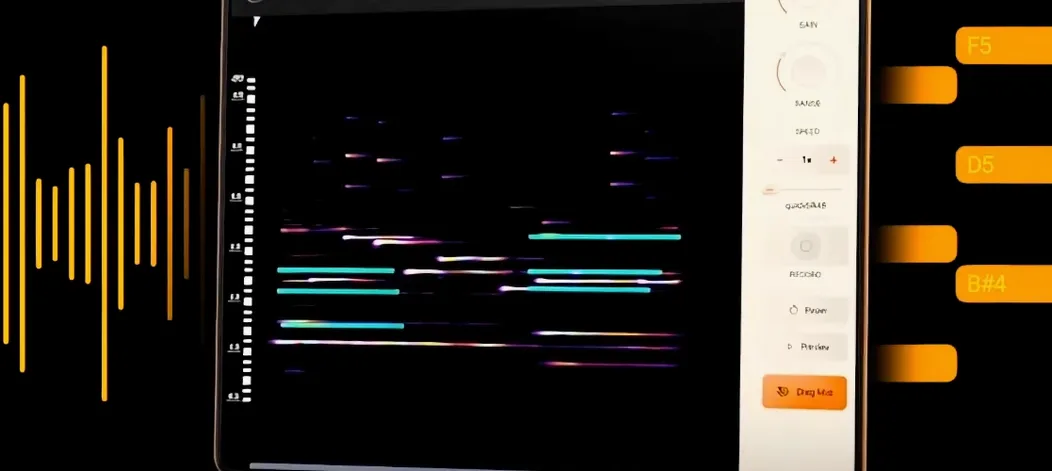 noteGRABBER
VST Plugins 35 MB
 Neural DSP Soldano SLO-100 X
VST Plugins 340 MB
 Neural DSP Parallax X
VST Plugins 179 MB
 Neural DSP Archetype Rabea X
VST Plugins 742 MB
 Neural DSP Archetype Petrucci
VST Plugins 745 MB