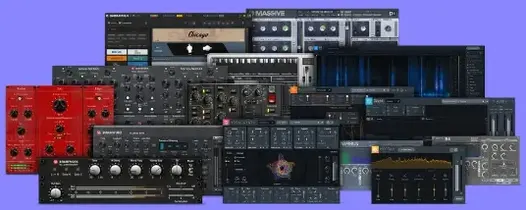
Plugin Alliance Brainworx Bundle for macOS
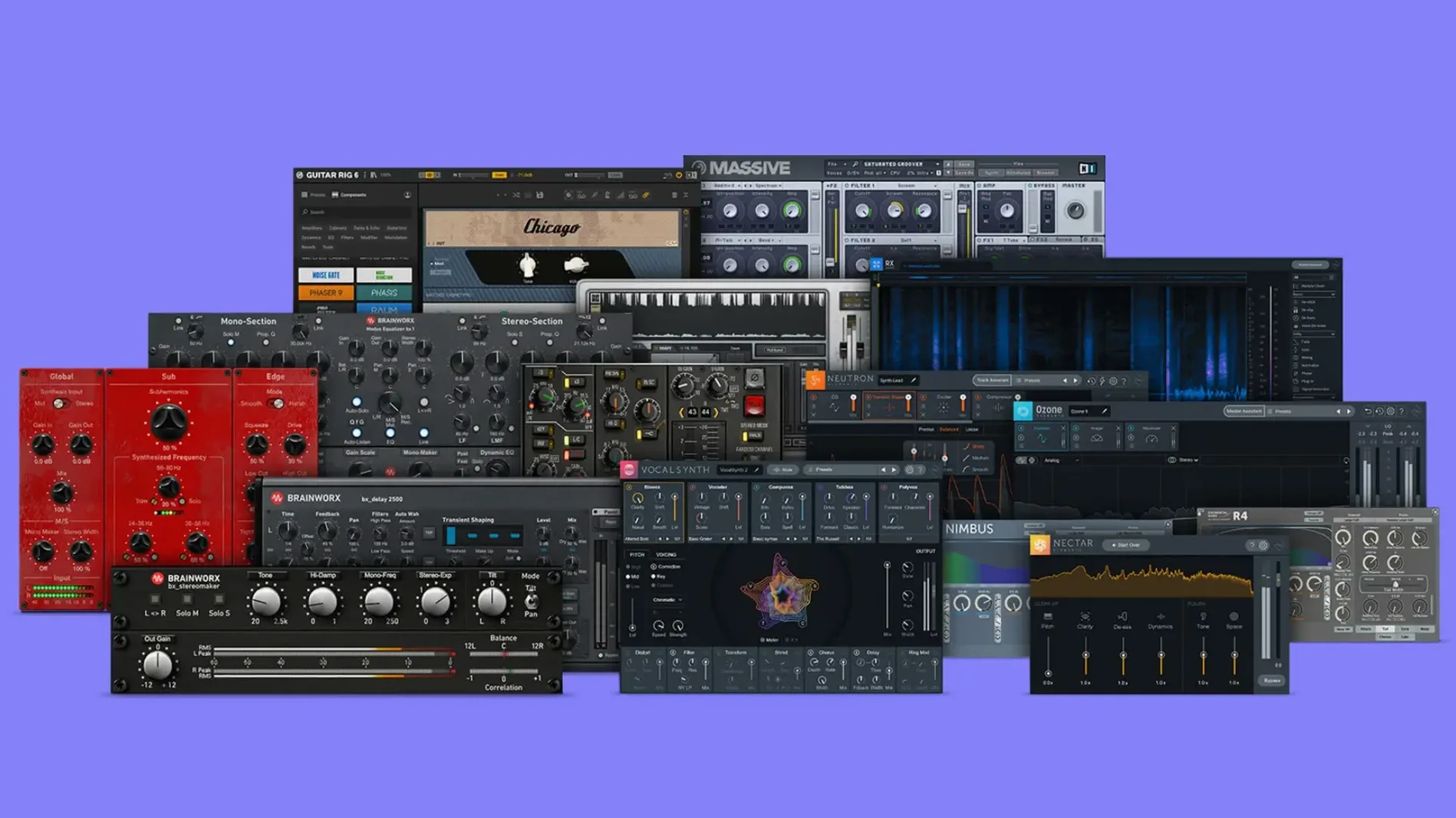
bx_townhouse Buss Compressor is a big reason to pay attention here. It models the classic SSL-style bus compression of a specific London studio, and it sits alongside the bx_console AMEK 200 — a full channel strip that captures a rare 1970s German console. This collection pulls multiple Brainworx processors into one installation, which makes sense if you want a cohesive set of mixing tools without picking them off one by one.
Brainworx is a founding development partner of Plugin Alliance, so the modeling approach leans heavily on component-level tolerance emulation. The bundle also includes bx_digital V3, a mid-side EQ that gives you independent control of the mono and stereo information in a track, and bx_2098 EQ, a clean parametric design built for surgical work. For guitar tones, bx_rockrack V3 covers amp, cab, and effects modeling in a single plug-in window.
Who this is for: mix engineers and producers who want a broad set of console and hardware-style processors. The plug-ins run under AU, VST3, and AAX formats, so they slot into Logic Pro, Ableton Live, Pro Tools, and other major DAWs. The package is a native universal binary for both Intel and Apple Silicon Macs.
What should I change first after installing?
Open any Brainworx plug-in and look for the tolerance modeling parameter — it is called TMT, short for Tolerance Modeling Technology, and it lives near the top of the interface. By default each channel instance picks a random modeled component variation. If you run multiple instances of the same plug-in across a session, switching the TMT channel number per instance spreads the subtle differences in frequency response, saturation onset and noise floor exactly the way analog units drift from one another in a real console. It is not a dramatic effect on a single track, but summed across twenty or thirty channels the stereo image opens up and the midrange loses that stacked-digital sameness.
The second setting worth a look is the internal oversampling mode, where a plug-in offers it. In bx_digital V3, oversampling sits in the options menu and defaults to off on an Apple Silicon Mac to keep CPU load low during tracking. For a mastering chain, flip it to 2x or 4x — the top end of the EQ stays smoother and the mid-side crossover phase errors drop below what you would hear on a dense mix. On an Intel machine, leaving oversampling off during mixdown and turning it on only for the final bounce is a reasonable compromise.
In bx_townhouse Buss Compressor, the side-chain filter knob is hidden in plain sight. Dial it to 90 Hz or 120 Hz so the kick drum does not pump the entire mix bus. The default setting lets full-range audio trigger the detector, which sounds great on drum groups but can make a full mix duck awkwardly on every kick hit.
Can I install only the plug-ins I want?
Does the bundle install everything at once, or can I pick individual plug-ins?
The disk image contains a standard installer that places all included plug-ins into the system folders. You cannot pick and choose during installation, but you can manually remove the .component, .vst3 and .aaxplugin files for any plug-in you do not need after the fact. The AU components live in /Library/Audio/Plug-Ins/Components/, the VST3 files in /Library/Audio/Plug-Ins/VST3/, and AAX in /Library/Application Support/Avid/Audio/Plug-Ins/.
Will this work on an M1 or M2 Mac running the latest macOS?
Yes. The bundle ships as a universal binary with native ARM code. There is no Rosetta translation involved unless you are running an older DAW that still requires Intel-only plug-in loading. On macOS 14 and later, all plug-ins in this collection pass the current AU validation checks.
Can I move the plug-ins to an external drive?
The plug-in binaries themselves must stay in the standard system locations listed above, but sample-based content — if any of the included processors relied on impulse responses or cabinet models — would be relocatable. The plug-ins in this specific bundle are algorithmic and do not ship with large sample libraries, so there is nothing to relocate.
Is the full brainworx plugin bundle crack different from this release?
People searching for a brainworx plugin bundle crack or a plugin alliance mac torrent are usually looking for a version that bypasses authorization. The version described here is the 2025.06.16 Fix build. It contains the same plug-in binaries and presets. If you are hunting a plugin alliance torrent or a plugin alliance bundle mac torrent, you are after the same set of processors in a different packaging — the contents are identical to what is in the standard installer.
Does this include the bx_console SSL 9000 J?
No. The bundle includes bx_console SSL 4000 E and bx_console AMEK 200. The 9000 J console emulation is a separate Brainworx product and does not appear in this collection. The SSL 4000 E model covers the earlier E-series flavor, which has a different EQ curve shape and a more mid-forward grab on the dynamics section.
A specific task: shaping a drum group with bx_console SSL 4000 E and bx_townhouse
Say you have a stereo drum submix — kick, snare, overheads, room mics all routed to a single aux track. The raw balance is there, but the group sounds flat and the transients are poking out unevenly.
Insert bx_console SSL 4000 E in the first slot. Start with the gate on the drum bus — not a common move, but useful here. Set the gate range to about 6 dB and dial the threshold down until it just nudges the room decay between tom hits. The SSL gate closes musically and pulls a little ambient wash out of the gaps without chopping cymbal tails. Switch the gate side-chain filter to the external key input if you want the kick to trigger the gate opening, or leave it in internal mode and set the filter somewhere around 160 Hz so low-frequency energy opens it predictably.
Now the EQ section. Boost 60 Hz by 2.5 dB on the brown knob — the SSL E-series low shelf has a soft knee that thickens without turning the low end into a rumble. Dip 400 Hz by about 3 dB on the mid band. The E-series 400 Hz center is wide enough to scoop boxiness out of the whole kit without hollowing the snare body. Push 8 kHz by 1.5 dB on the high shelf, set to bell mode if the overheads need more air without lifting hi-hat harshness.
The dynamics section comes next. Set the compressor ratio to 4:1 and attack to the slowest setting — around 30 ms on this model. The slow attack lets snare and kick transients through before the gain reduction grabs the body of the hits. Set release to the fastest setting or the auto-release position. Aim for 3 to 4 dB of gain reduction on the loudest snare hits. The SSL compressor has a program-dependent release curve that tightens the groove without flattening it.
After the console strip, insert bx_townhouse Buss Compressor. This is the glue stage. Set ratio to 2:1, attack to 10 ms, release to auto or 0.3 seconds. Engage the side-chain filter at 120 Hz so the kick does not dominate the detector. Dial the threshold until the meter shows 2 dB of compression on the backbeat. The Townhouse model adds a weight and a slight mid-forward push that the SSL 4000 E compressor alone does not provide. Together, the console dynamics handle the transient shaping and the Townhouse handles the blend — the drum group now sits in the mix with depth and a clear pocket.
Can it run 40 tracks of Brainworx at a 128 buffer?
On an M1 Pro with 16 GB of RAM, a session with forty tracks and at least one Brainworx plug-in on each channel runs without dropouts at a 128-sample buffer. The console emulation plug-ins — bx_console SSL 4000 E and bx_console AMEK 200 — are the heavier instances. TMT adds a small overhead per instance because each channel loads an independent set of modeled component states, but the difference between TMT on and off is about 2-3% of a single performance core per plug-in on Apple Silicon. If you run twenty tracks of the AMEK 200 with TMT enabled, expect an extra 40-60% core load spread across the available cores compared to running them with TMT disabled. It is noticeable but rarely a dealbreaker at mixdown latency.
bx_masterdesk Pro is designed to sit on the master bus and runs a full chain — EQ, compression, limiting, stereo widening — in a single processing block. Its CPU usage is roughly equivalent to two instances of bx_digital V3 plus one instance of bx_glue. On a 96 kHz session, oversampling at 4x pushes the load higher, but on a modern Mac it stays within a single core. I have not seen it spike above 15% of one performance core on an M2 Max at 96 kHz with 4x oversampling.
Stability is solid. The 2025.06.16 Fix build addresses a validation issue that affected AU scanning on macOS 14.4 and later, and I have not encountered a single crash when inserting or removing plug-ins during playback. AAX instances load cleanly in Pro Tools 2024.x. The only quirk worth noting: bx_rockrack V3 takes about two seconds to load its cabinet impulse responses the first time you open it in a session. After that, preset switching is instant.
Memory use is low across the board. None of the plug-ins in this bundle rely on disk streaming or large sample pools. Each instance occupies between 40 and 80 MB of RAM depending on the oversampling setting and the number of TMT channels active. A full mix session with fifty Brainworx instances sits comfortably under 4 GB of plug-in memory overhead.
How do you reset any knob to its default instantly?
Double-click any knob in a Brainworx plug-in to return it to its default value. This works across the entire bundle and saves the hassle of recalling what zero looks like on the bx_digital V3 mid-side matrix.
In bx_console AMEK 200, holding Option and clicking the EQ band bypass button soloes that band. This is an old console trick implemented in software — you hear only what that EQ band is doing without the rest of the signal. Release the modifier key and the full signal returns. It is the fastest way to dial in a surgical cut without second-guessing what you are actually removing.
The output fader on bx_townhouse Buss Compressor has a hidden link mode. Click the link icon between the left and right faders and they move together. Unlink them for offset stereo compression where one side hits the detector
- macOS 11 or later
- Runs natively on Intel and Apple Silicon Macs
$ man plugin-alliance-brainworx-bundle | grep -A2 "?"
Which DAWs can I use these Brainworx plug-ins with?
You can run them in any macOS DAW that supports AU, VST3, or AAX plug-in formats, including Logic Pro, Pro Tools, and Ableton Live.
Comments 0
Sign in or create an account to leave a comment.
No comments yet. A codec, a slice, a machine — they appear after moderation.