

Sonarworks SoundID Reference for macOS
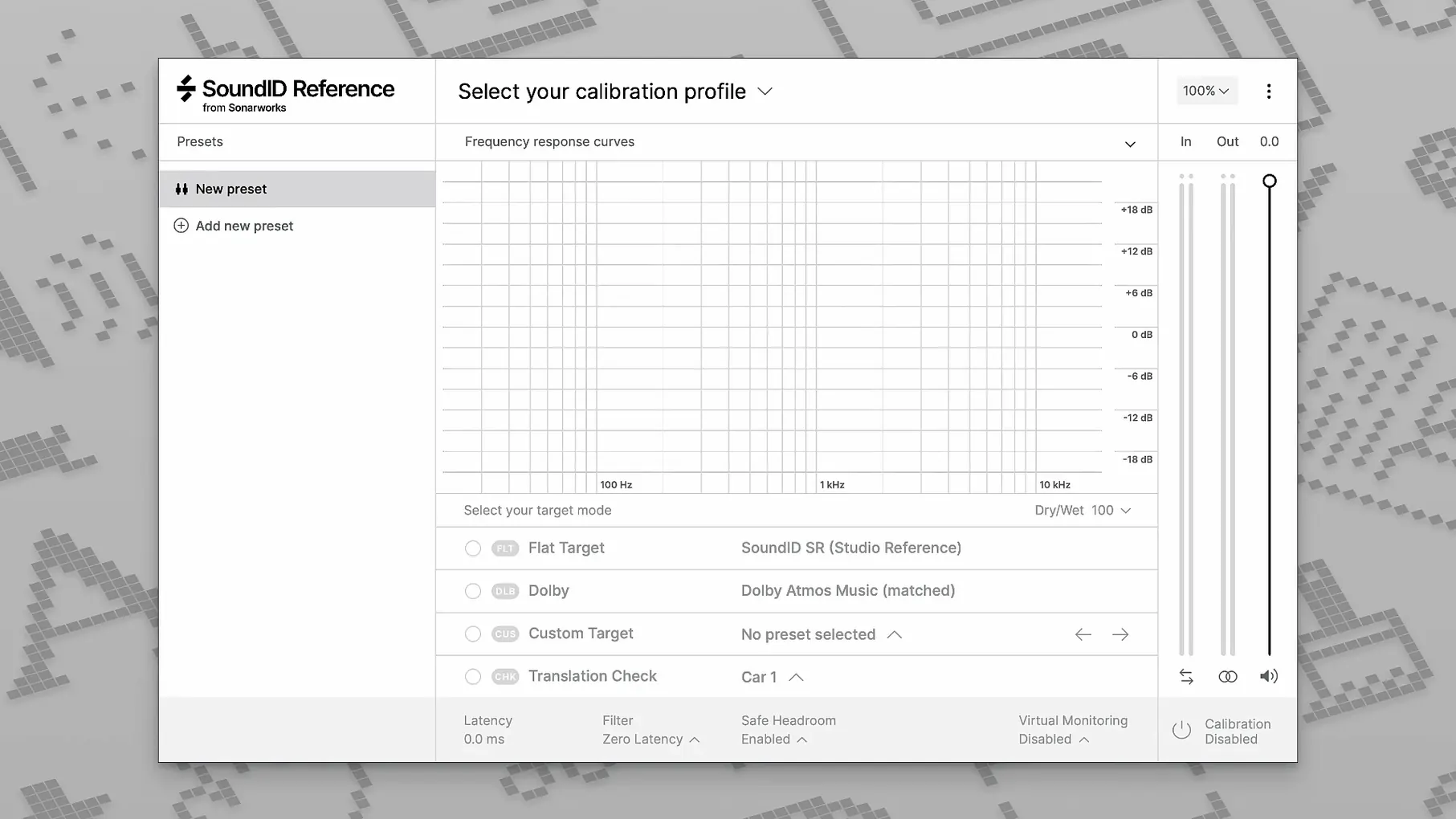
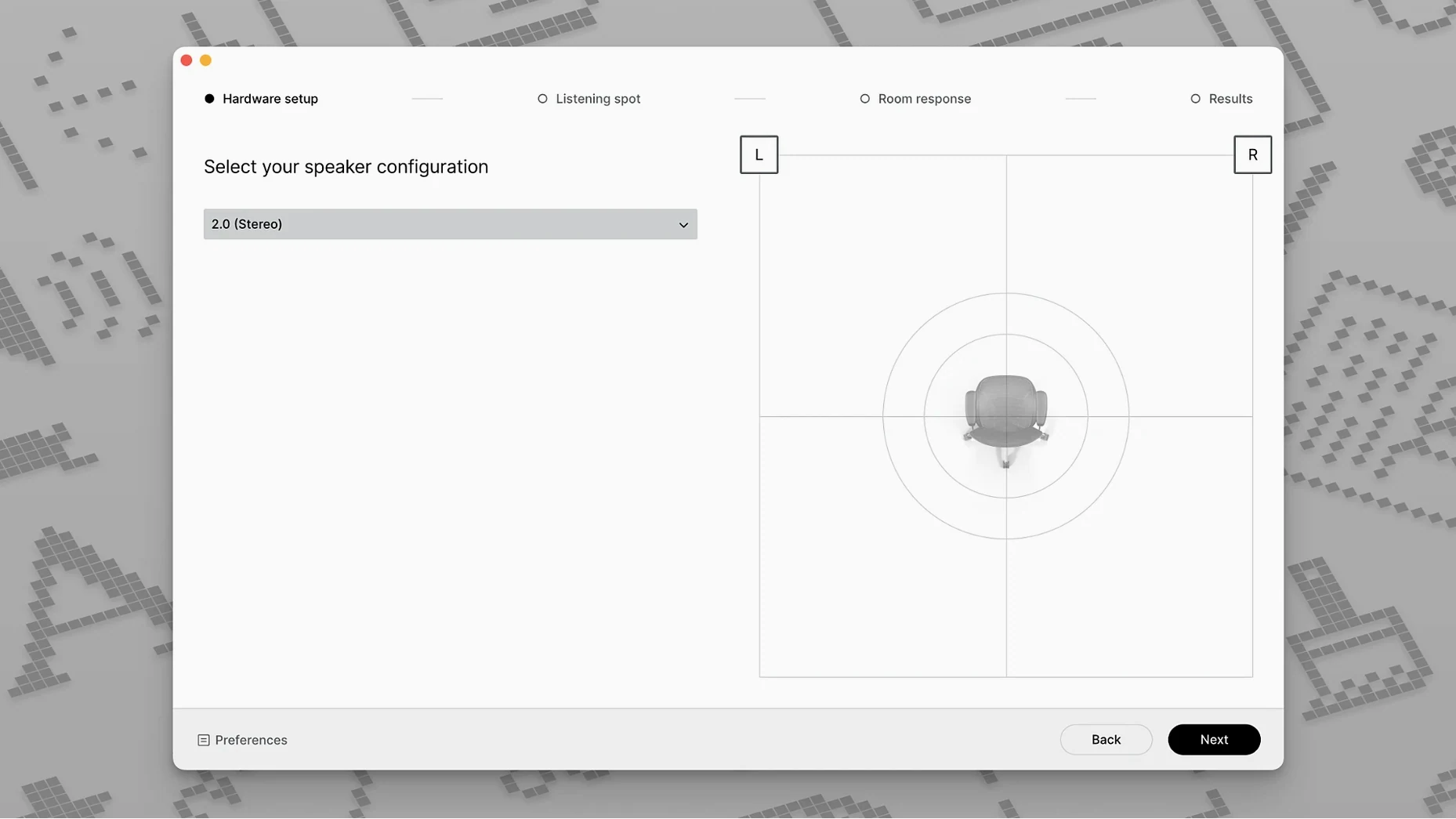
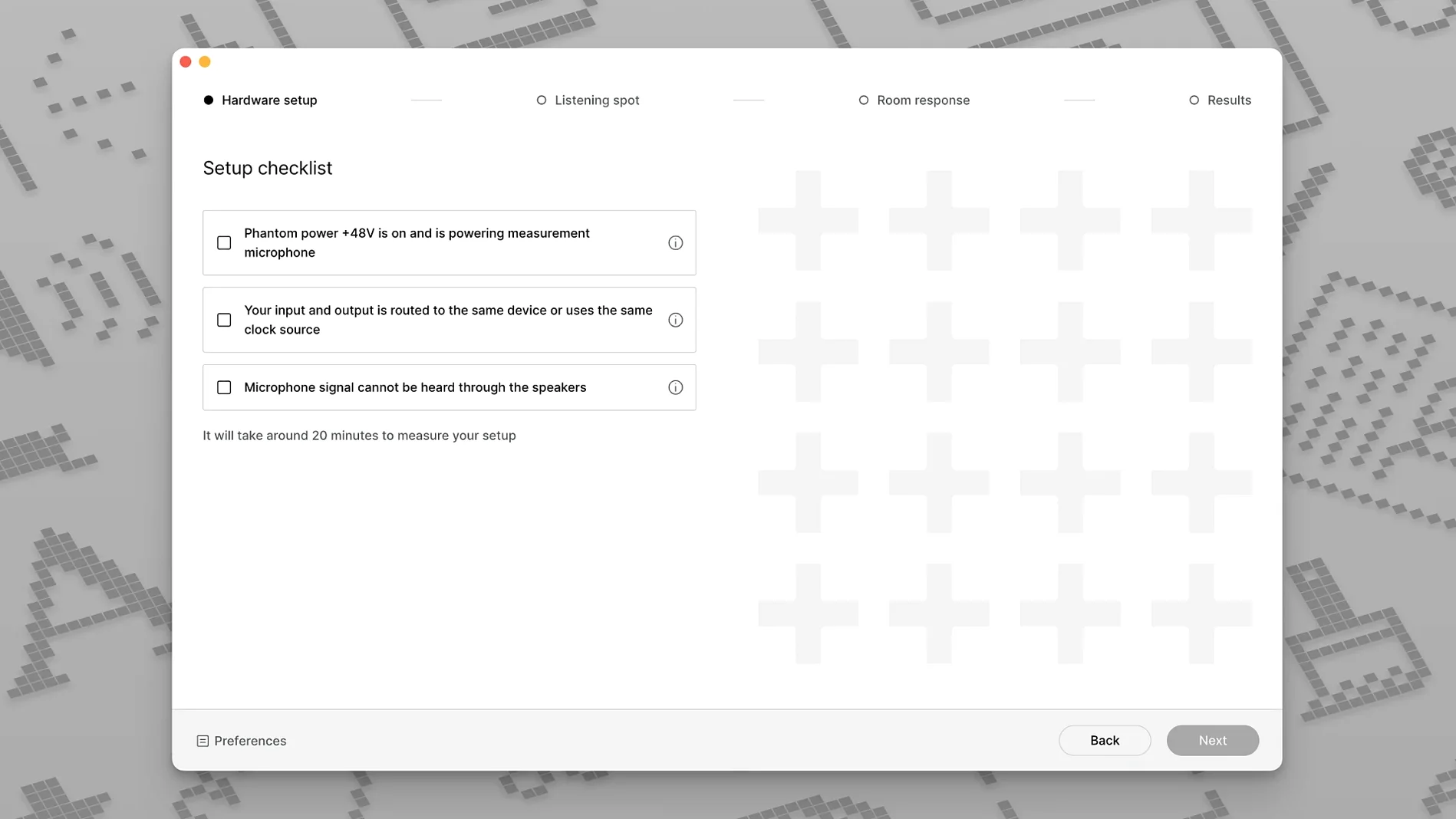
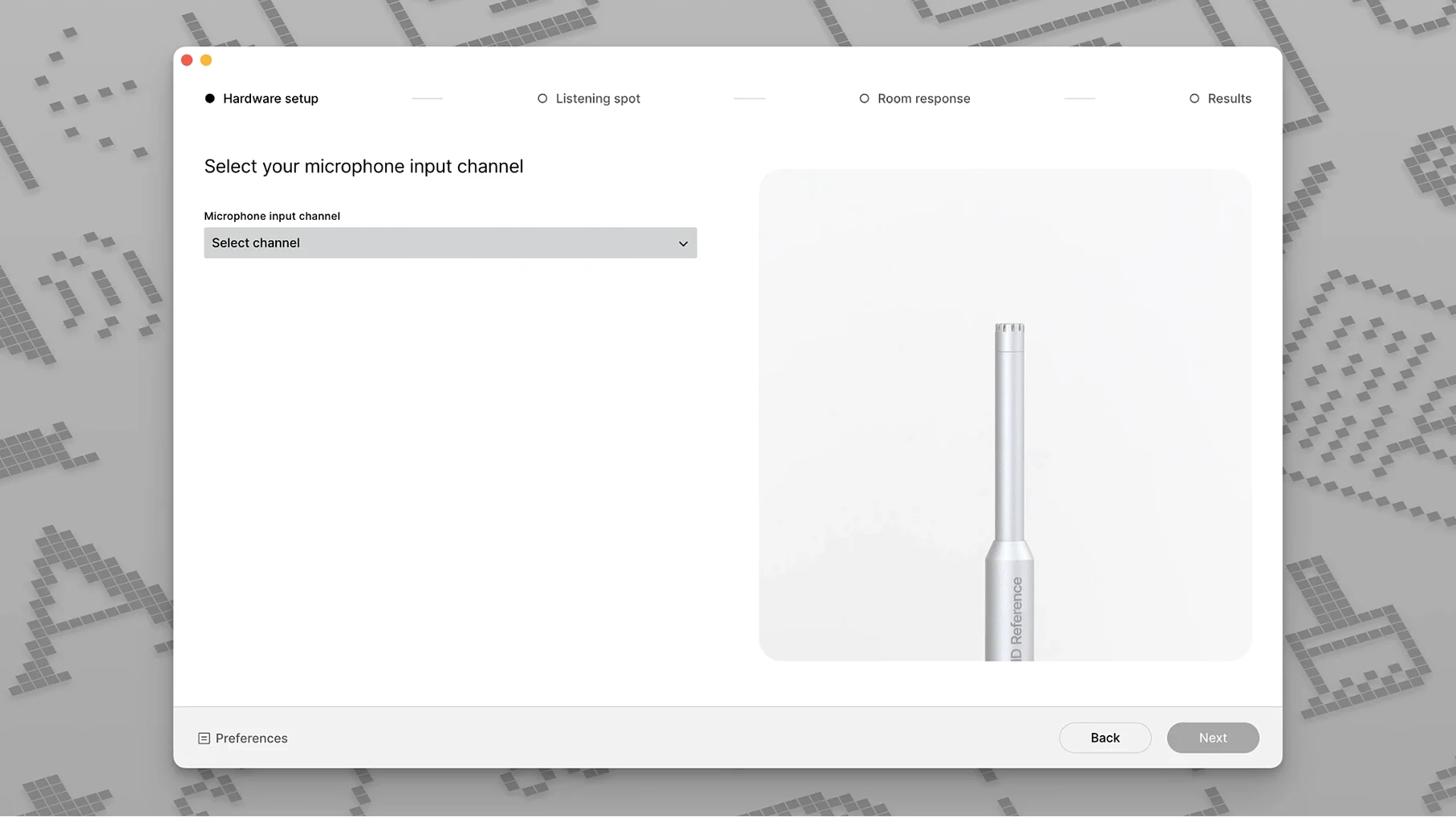
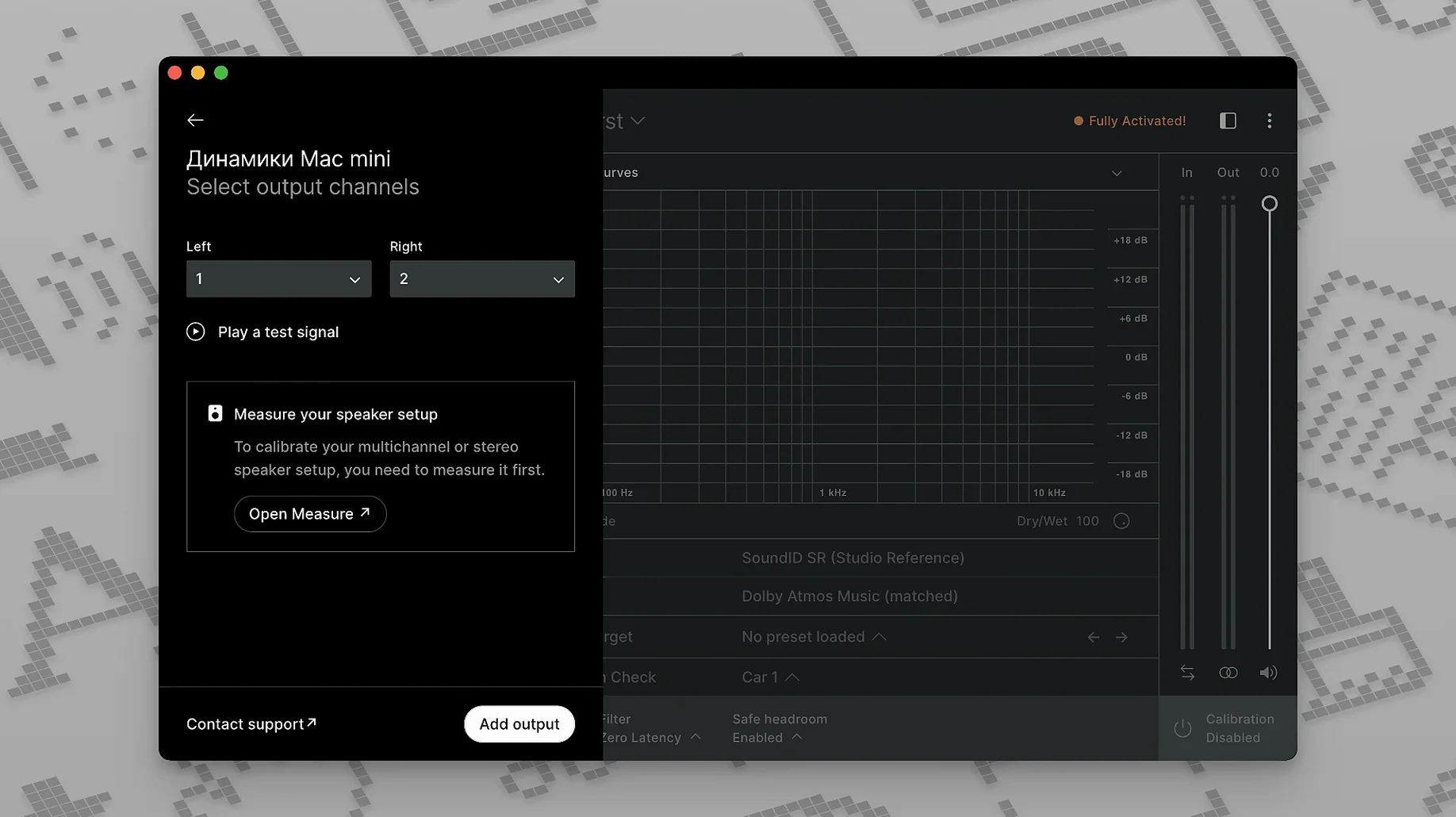
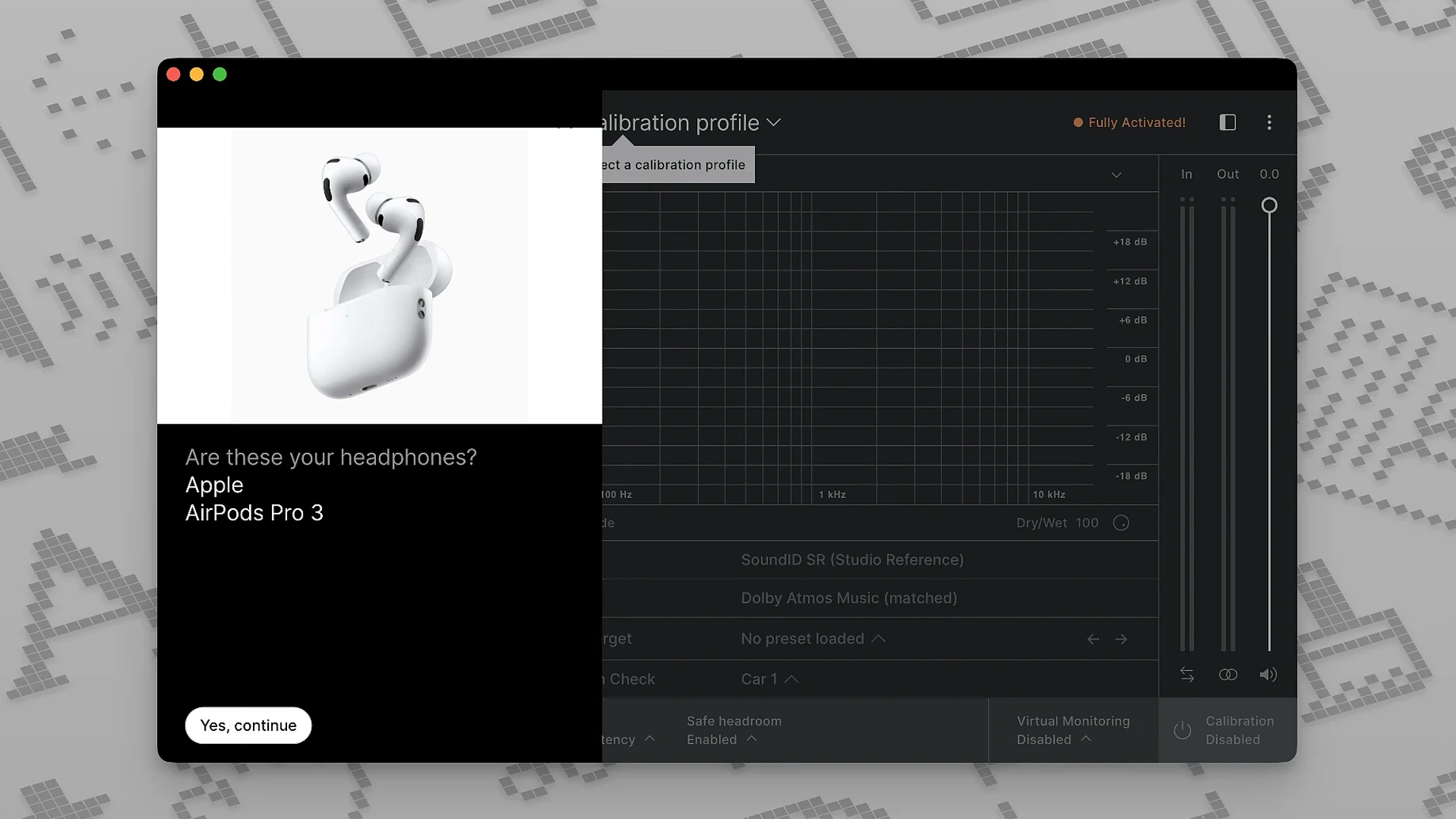
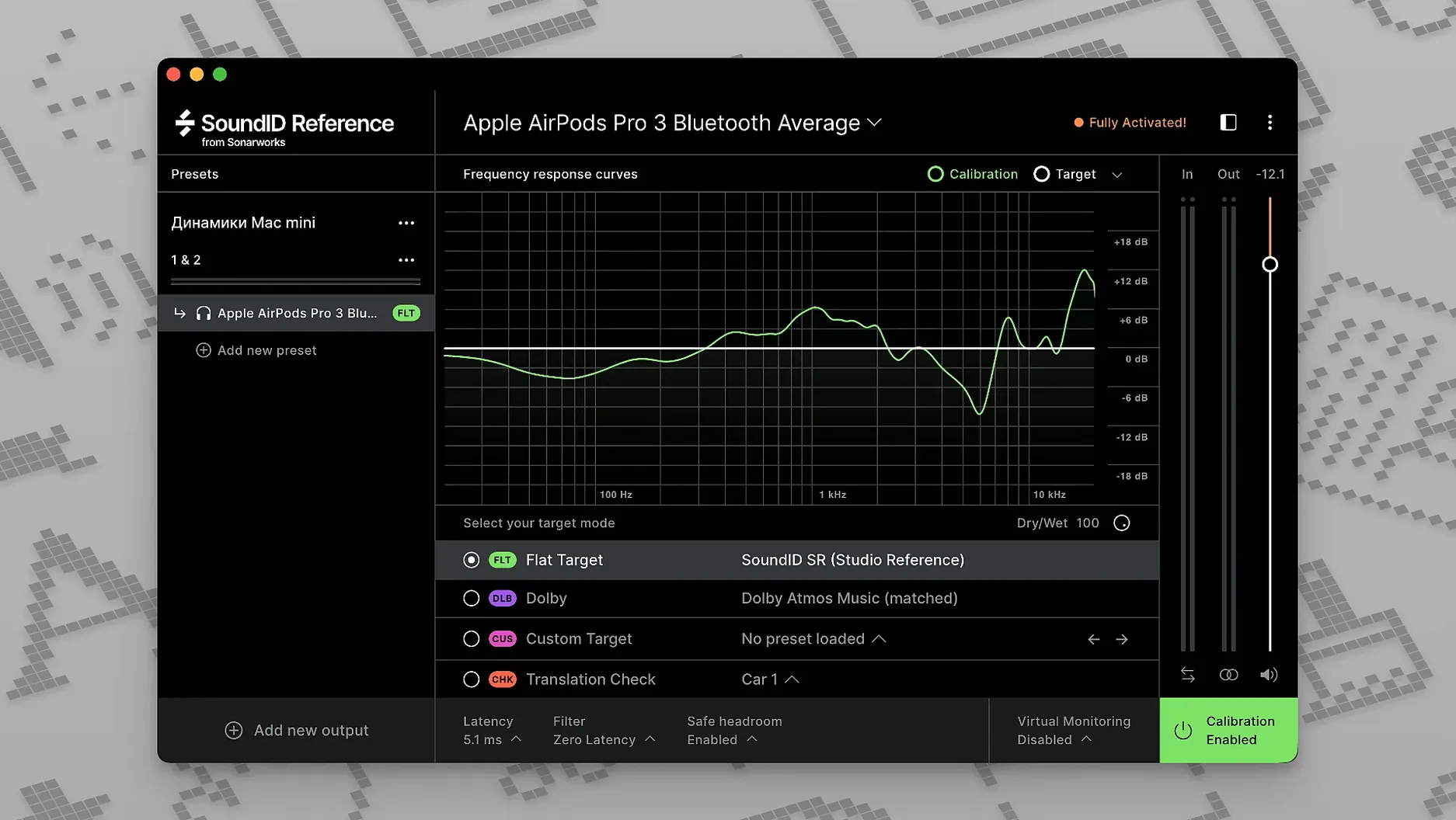
Mixing and mastering engineers reach for SoundID Reference to bring consistency to their monitoring environment. Version 5.12.0 replaces the older Reference 4, carrying forward the core job of flattening the response of speakers and headphones so what you hear translates reliably to other systems.
Where does the VST3 plugin run natively?
The main component is the SoundID Reference app, which handles measurement and calibration. For real-time work inside a DAW, Sonarworks provides a VST3 plugin on Mac. This is a native binary that runs on both Intel and Apple Silicon machines without Rosetta translation. The software also supports multichannel speaker setups, surround formats, and spatial audio workflows—useful if you are calibrating an immersive mixing room. Calibration profiles can be exported to compatible hardware, so you can take your correction curve on the road with a supported headphone amp or interface.
What does the calibration actually do?
Beyond simple frequency correction, SoundID Reference includes translation check features that simulate how a mix will sound on different playback systems. The custom target curve lets you adjust the reference response in real time—pulling down the highs slightly or adding a bass lift—without leaving a flat calibration behind entirely. The idea is to match what you hear to your personal preference while still working from a known neutral baseline, which is the whole point of a reference system in the first place.
What happens when I open the app before a dense rock mix?
I open the SoundID Reference app before the DAW. The menu bar icon sits quietly until I click it, then the main window appears with my current profile loaded. Let’s say I’m about to mix a dense rock track. I select my calibrated headphone profile—an ATH-M50x curve I measured a few months back—and leave the target curve flat for now. The app shows a green “Calibrated” badge and I minimize it.
Reaper boots next. On the master bus I insert the SoundID Reference VST3 plugin, which pulls the same profile automatically from the systemwide app. I play the rough mix. The low mids feel a little muddy, so I switch on the translation check: “Mixcubes” emulation. Suddenly the kick drum disappears and the guitars poke through in a harsh way. That tells me the 400 Hz cut I planned probably needs to be more aggressive. I flip back to the flat calibration, make the EQ move, and the mix opens up. Before rendering, I bypass the plugin entirely to hear the raw, uncalibrated output—a habit that keeps me honest about how much correction I’m actually applying.
How much memory does the menu bar helper actually use?
Systemwide calibration runs at near-zero latency. I forget it’s there until I switch profiles or toggle bypass. The menu bar helper adds roughly 180 MB of resident memory on my machine; the VST3 plugin inside Reaper sits around 40 MB, which is negligible for a modern session. CPU usage during playback barely registers—the processing model is a straightforward convolution, and Apple Silicon handles it without any fan noise.
Stability has been uneventful. I’ve left the systemwide app running across sleep/wake cycles and multiple user switches without a crash. The only hiccup I’ve seen is that after a macOS point update, the plugin sometimes needs a rescan before it appears in newly launched DAWs. That matches reports from the Sonarworks knowledge base, and a quick Clear Audio Unit Cache in Logic or a VST3 rescan in Reaper fixes it. For anyone grabbing a sonarworks soundid reference torrent to test before committing, the stability story on the current build is solid—no sudden dropouts mid-session and no kernel panics tied to the audio driver stack.
Why did the calibration engine get rewritten for 9.1.6?
The jump from Reference 4 to SoundID Reference brought a rewritten calibration engine that handles multichannel layouts up to 9.1.6, which matters if you work in Dolby Atmos or DTS:X. In daily terms, the biggest shift is the custom target curve: you can tilt the response on the fly instead of being locked to a single flat line. The VST3 format replaced the older AU-only approach, so hosts that dropped AU support—looking at you, Ableton Live on Apple Silicon—now get first-class treatment. A SoundID Reference Mac torrent build of 5.12.0 also includes native ARM code throughout, meaning the measurement app, the menu bar helper, and the plugin all avoid Rosetta. That removes a layer of translation overhead that occasionally caused dropouts with Reference 4 on M1 machines during heavy session loads.
- macOS 11 or later
- Intel or Apple Silicon Mac
Comments 0
Sign in or create an account to leave a comment.
No comments yet. A codec, a slice, a machine — they appear after moderation.
More in VST Plugins
cd ../ Sonic Academy KICK
VST Plugins 358 MB
 Slate Digital Submerge
VST Plugins 38 MB
 Slate Digital Storch Filter
VST Plugins 69 MB
 Slate Digital Murda Melodies
VST Plugins 179 MB
 Slate Digital Fresh Air
VST Plugins 40 MB
 Spire
VST Plugins 158 MB
 Steinberg SpectraLayers Pro
VST Plugins 3.9 GB
 ShaperBox
VST Plugins 111 MB