
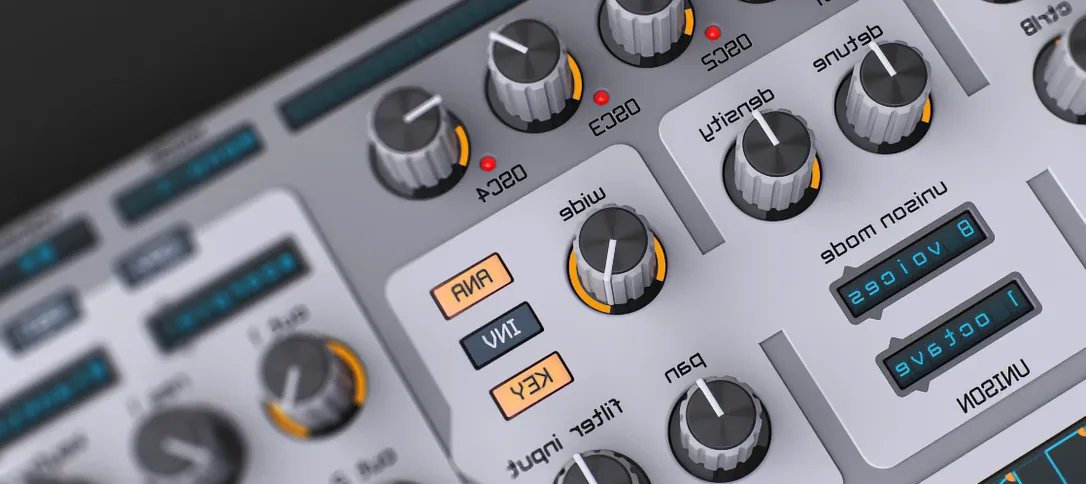
Spire for macOS
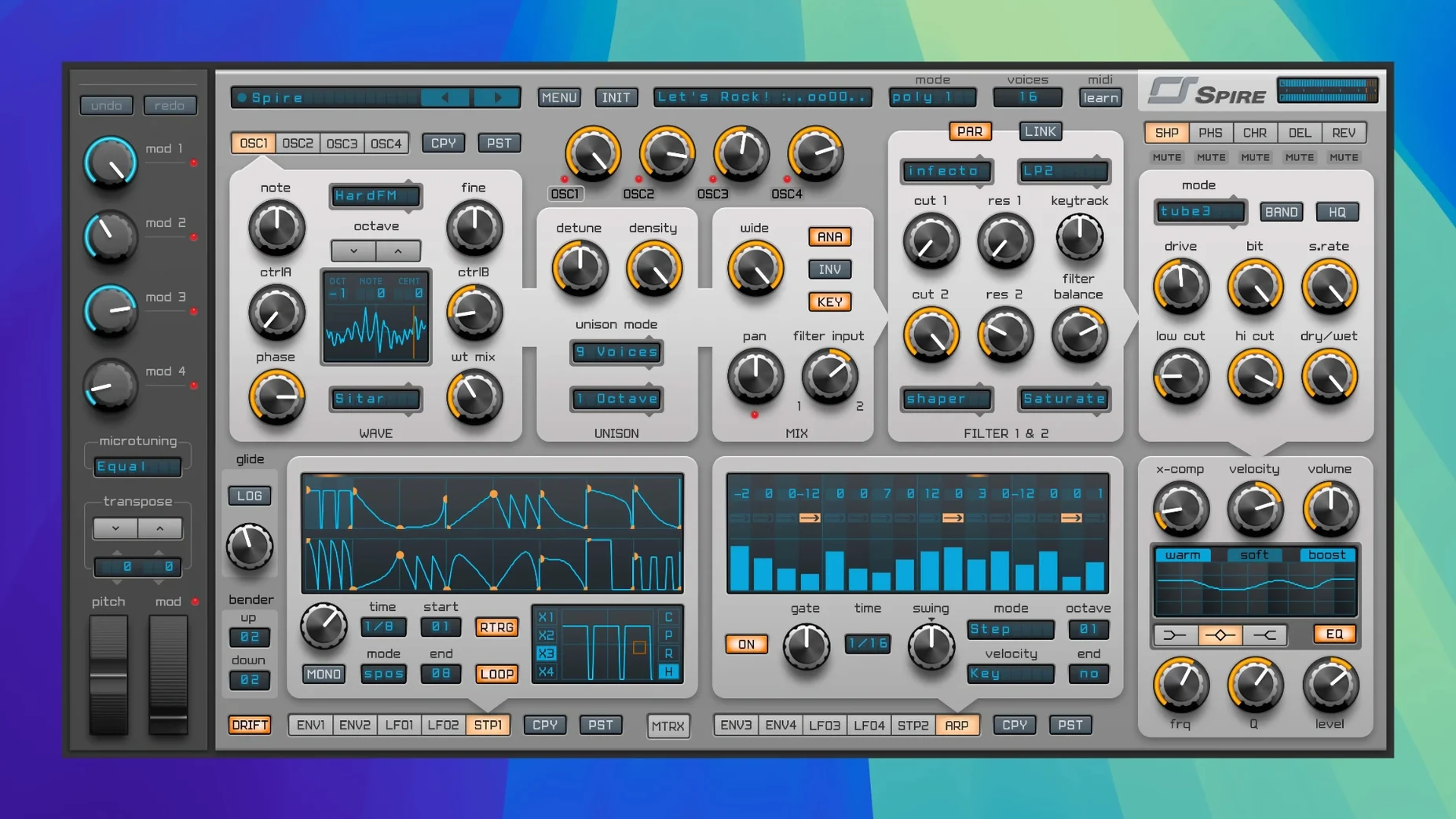
A preset can get you started, but it won't expose the real character of a synth. Spire's layout invites you past the surface—its signal flow is logically grouped, so patching from oscillators through filters to effects becomes a quick, iterative loop rather than a menu-diving chore.
- Shape the source. Stack up to four oscillators. The wavetable mode is where you'll likely spend time, scanning through complex digital waveforms that give you harmonic movement a static saw wave can't. Dial in FM or hard sync for immediate metallic edge.
- Carve with the filter. The multimode section offers the standard LP, HP, BP, and notch shapes, each with switchable 12 or 24 dB/octave slopes. Use a steep notch to hollow out a pad without thinning it like a high-pass would.
- Animate the pattern. Drop the arpeggiator or step sequencer onto a chord and tie parameter locks to note values. What starts as a simple trance gate can push a dubstep bass into rhythmically shifting filter modulation.
- Place it in a space. The onboard effects chain—delay, reverb, distortion, phaser, and EQ—sits right on the faceplate. A short stereo slapback delay into a plate reverb gives a lead line width without washing it out.
You're hearing a clean, modern signal path that avoids the lofi drift of some vintage emulations unless you purposely push the drive stages. For house stabs or EDM supersaws, that clarity keeps a dense mix readable.
Which right-click shortcuts speed up knob work?
Spire's interface looks straightforward, but a few shortcuts save real time once they become habit. Right-click any knob and you get a context menu for copying, pasting, or resetting its value—faster than hunting for a Ctrl-click on a cramped laptop. Alt-drag a modulation slot in the matrix and it copies to the next row, so setting up four similar LFO assignments takes seconds instead of minutes.
The voice mode selector under the main volume knob is worth memorizing. Click the label to cycle through poly, mono, legato, and arp modes without opening a menu. In mono mode, hold Shift while playing a note and the envelope retriggers from zero—ideal for punchy basslines where you want the transient to hit every time. The oscillator phase reset toggle sits in the oscillator section unlabeled; it's the small button next to the waveform display. Engage it and every note starts its waveform from the same point, tightening up layered kicks and sub drops that would otherwise phase-cancel unpredictably.
Preset browsing has its own hidden rhythm. The arrow keys step through the preset list without opening the browser panel, and typing a letter jumps to the first preset starting with that character. The star rating system isn't just cosmetic—filtering by rating in the browser narrows a 1500-patch library to the ones you actually use. Right-click a preset name in the display and you can save a copy directly, no menu navigation.
Why do four oscillators at full volume cause clipping?
The most common one is stacking four oscillators at full volume with no thought to gain staging. Each oscillator can push well past unity, and four of them hitting the filter and effects chain together clips the internal bus long before the output meter warns you. The fix is simple: back each oscillator down to around -6 dB on the level control and use the amp envelope's velocity scaling for dynamics. You'll hear the filter respond more musically and the reverb tail won't smear into digital hash.
Another early habit is ignoring the mod matrix's depth scaling. Dragging a modulation slot to 100% and wondering why the sound warps uncontrollably is a rite of passage. The matrix applies modulation additively—two sources targeting the same parameter at full depth will push it past its usable range. Start at 20–30% and increase until the movement feels musical, not mechanical. The sidechain input in the mod matrix catches people out too: it's not an audio sidechain for ducking, it's a modulation source that reads an external signal's amplitude envelope. If you route a kick drum into it and assign it to filter cutoff, you get envelope-following that tracks the kick's shape, not a compressor-style pump.
Beginners also tend to leave the arpeggiator running in poly mode and wonder why chords don't sustain. Poly mode distributes held notes across voices sequentially; switch to chord mode if you want the arp to trigger all held notes simultaneously on each step. And the step sequencer's glide setting is per-step, not global—if only step three slides and nothing else does, check the glide lane in the sequencer view.
What snags come up and how do you sort them?
Presets not showing up after installing a soundbank. Spire looks for .sbf preset bank files in a specific location: /Library/Application Support/Reveal Sound/Spire/Presets for system-wide access, or the user Library equivalent. If you drop a folder of individual .spf presets there, the browser won't index them—they need to be imported through the browser's "Import Bank" function first. A rescan button doesn't exist; closing and reopening the plugin forces a refresh.
DAW-specific plugin validation failures. On Apple Silicon, Logic Pro sometimes rejects the AU if it's run in Rosetta while the host is native, or vice versa. The fix is to launch Logic in the matching architecture mode (Get Info on the app and check "Open using Rosetta" if needed), let it validate, then switch back. Ableton Live users occasionally see Spire's VST3 version missing after an update; clearing Live's plugin database and rescanning from preferences resolves it.
High CPU spikes with complex patches. Spire's oscillator quality setting has three levels accessible from the settings panel. Draft mode cuts voice calculation overhead noticeably during sound design sessions. The voice limit set too high is another culprit—16 voices on a four-oscillator unison patch with reverb can choke even an M-series chip. Drop to 8 voices for pads and 4 for bass; you rarely hear the difference in a mix. If you grabbed a reveal sound spire download from a third-party source and it behaves oddly, a clean preferences reset by deleting ~/Library/Preferences/com.revealsound.spire.plist often straightens out UI glitches or stuck parameters.
How fast does the ARM-native version launch in Logic?
On an Apple Silicon Mac, version 1.5.19 loads as a native ARM binary. Instance startup is under a second in Logic and Live—noticeably snappier than some comparable wavetable synths that stall for two or three seconds while unpacking sample data. Patch changes are immediate; there's no audible gap or processor spike when stepping through presets during playback, which keeps a session's flow intact when you're auditioning sounds against an arrangement.
Memory use sits around 120–180 MB per instance depending on preset complexity and effect chain length. Running eight instances in a moderately busy project stays comfortable on 16 GB of RAM. The synth doesn't stream from disk—all wavetable data loads into RAM on instantiation—so it won't add I/O contention on sessions already heavy with sample libraries. CPU load scales predictably with voice count and unison depth; a four-voice pad patch hovers at 2–3% on a single performance core, while a 16-voice supersaw with reverb and phaser engaged pushes toward 12–15%. The built-in effects are optimized well enough that you'll rarely feel the need to disable them and substitute external plugins to save cycles.
Stability over long sessions is solid. Spire handles project reloads cleanly, recalling modulation routings and sequencer patterns without dropping assignments—something not every synth in this class manages. The one recurring annoyance is that the GUI sometimes lags when dragging a modulation slot across the matrix while audio is playing at low buffer sizes, a minor visual stutter that doesn't affect the actual modulation output. If you've run across a spire torrent or spire crack floating around and it exhibits crashes on preset save or corrupted bank files, those are side effects of a tampered binary, not the synth itself. A legitimate spire mac install from a known-good spire mac torrent source may still need the preference file wiped once to clear leftover state from an earlier version, but after that it settles in and stays out of the way—exactly what you want from a workhorse synth that's meant to live on every track.
- Version 1.5.19 shipped as build 5343.
- macOS 10.13 or later
- Runs natively on both Intel and Apple Silicon Macs
$ man spire | grep -A2 "?"
What kind of synthesis does Spire use?
It's a polyphonic virtual synthesizer with four flexible oscillators per voice, including a wavetable mode alongside standard waveforms and FM.
What genres is Spire commonly used for?
Producers reach for it across electronic genres like EDM, trance, house, and dubstep, where its clean, modern sound cuts through a busy arrangement.
Comments 0
Sign in or create an account to leave a comment.
No comments yet. A codec, a slice, a machine — they appear after moderation.
More in VST Plugins
cd ../ Steinberg SpectraLayers Pro
VST Plugins 3.9 GB
 Sonic Academy KICK
VST Plugins 358 MB
 Sonarworks SoundID Reference
VST Plugins 718 MB
 Strymon Plugin Bundle
VST Plugins 427 MB
 Superior Drummer
VST Plugins 625 MB
 Slate Digital Submerge
VST Plugins 38 MB
 Supertone Air
VST Plugins 408 MB
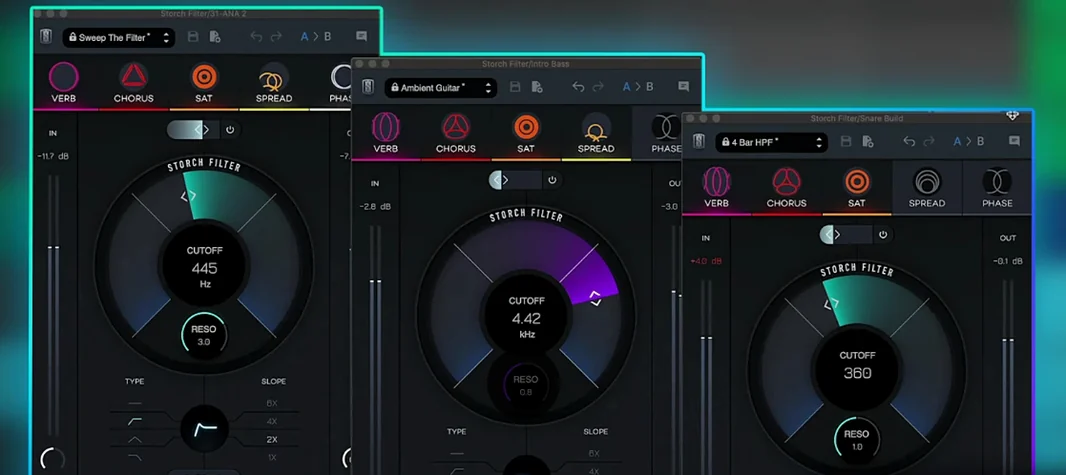 Slate Digital Storch Filter
VST Plugins 69 MB