

Strymon Plugin Bundle for macOS
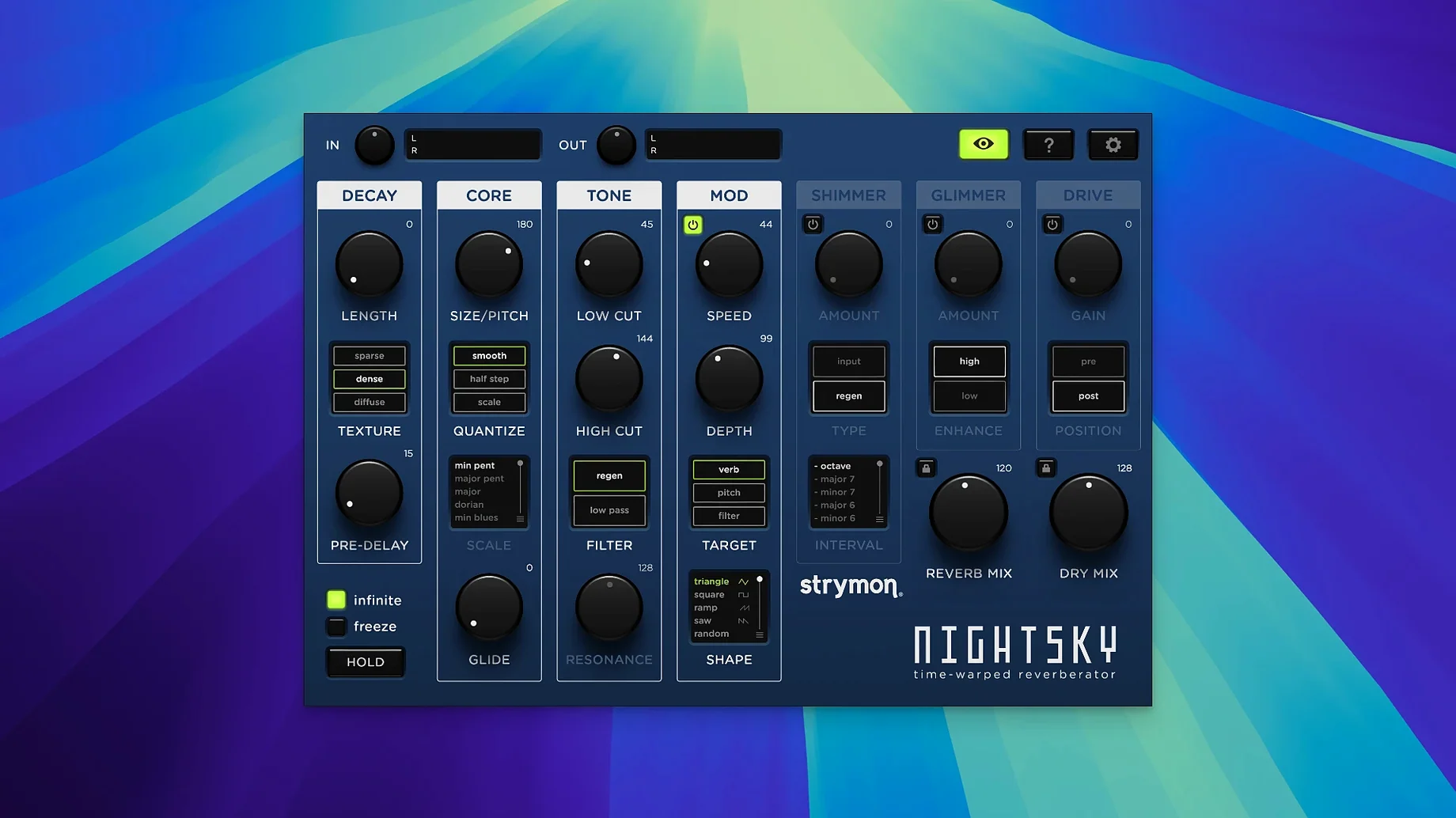
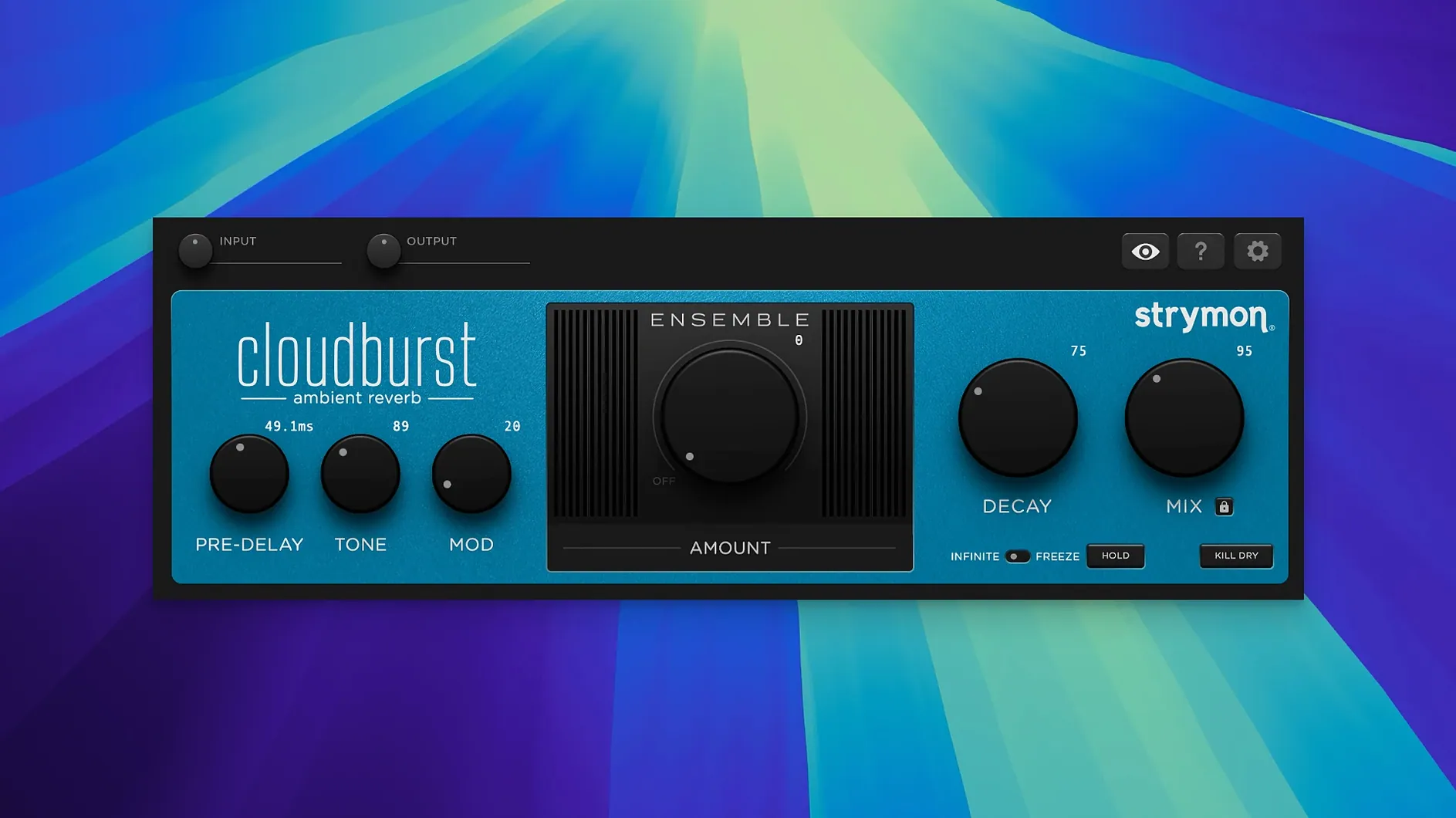
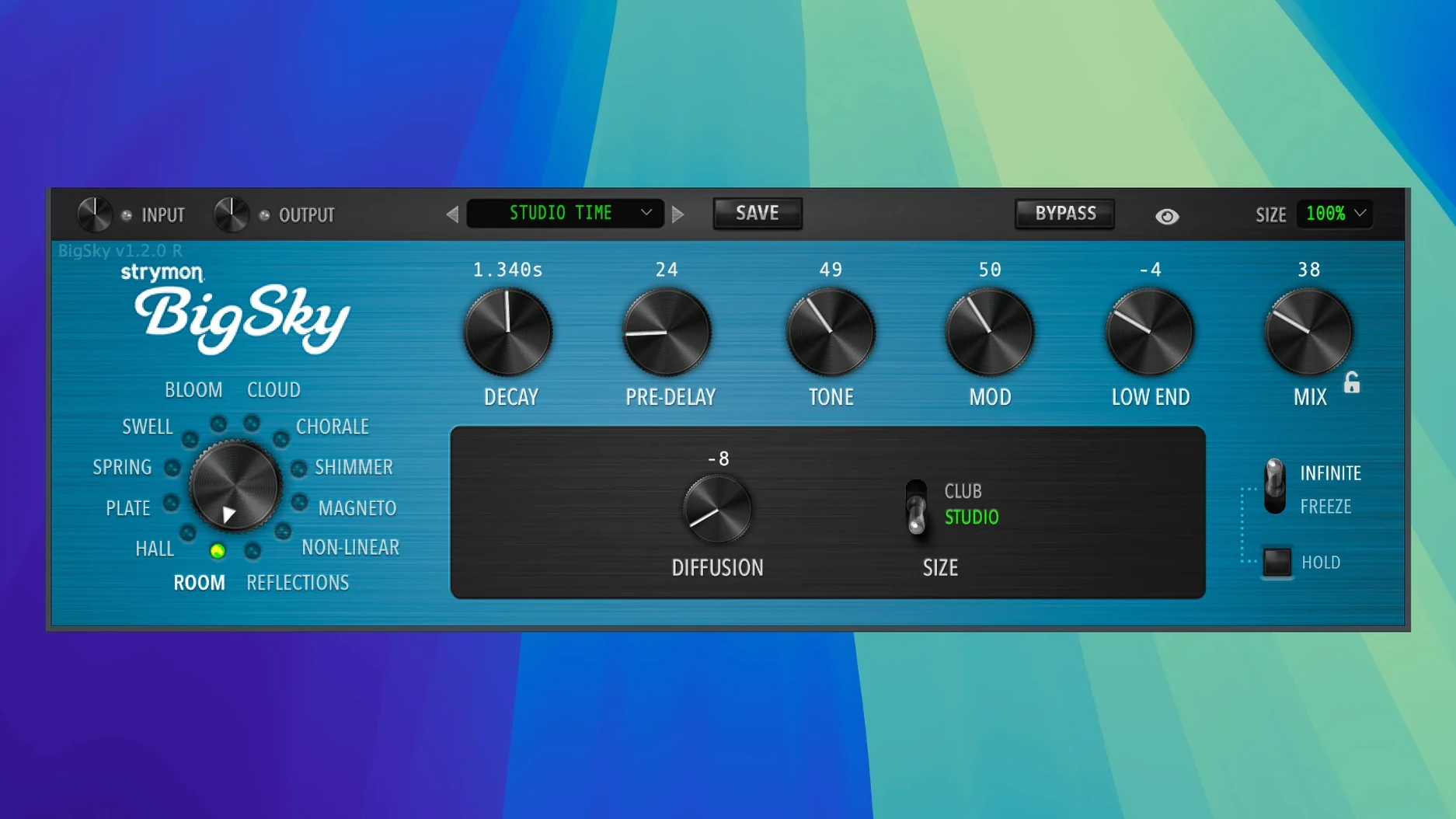
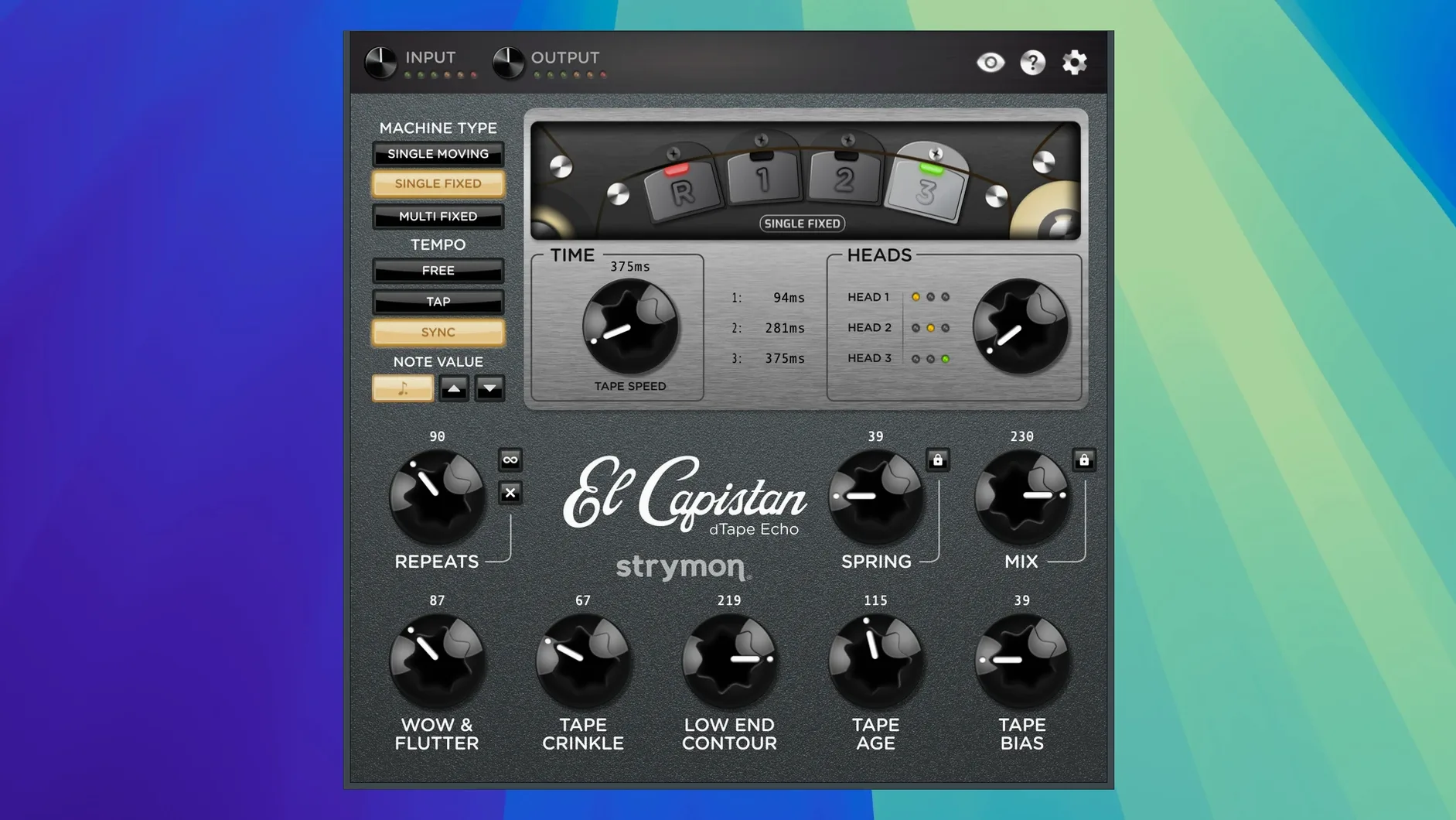
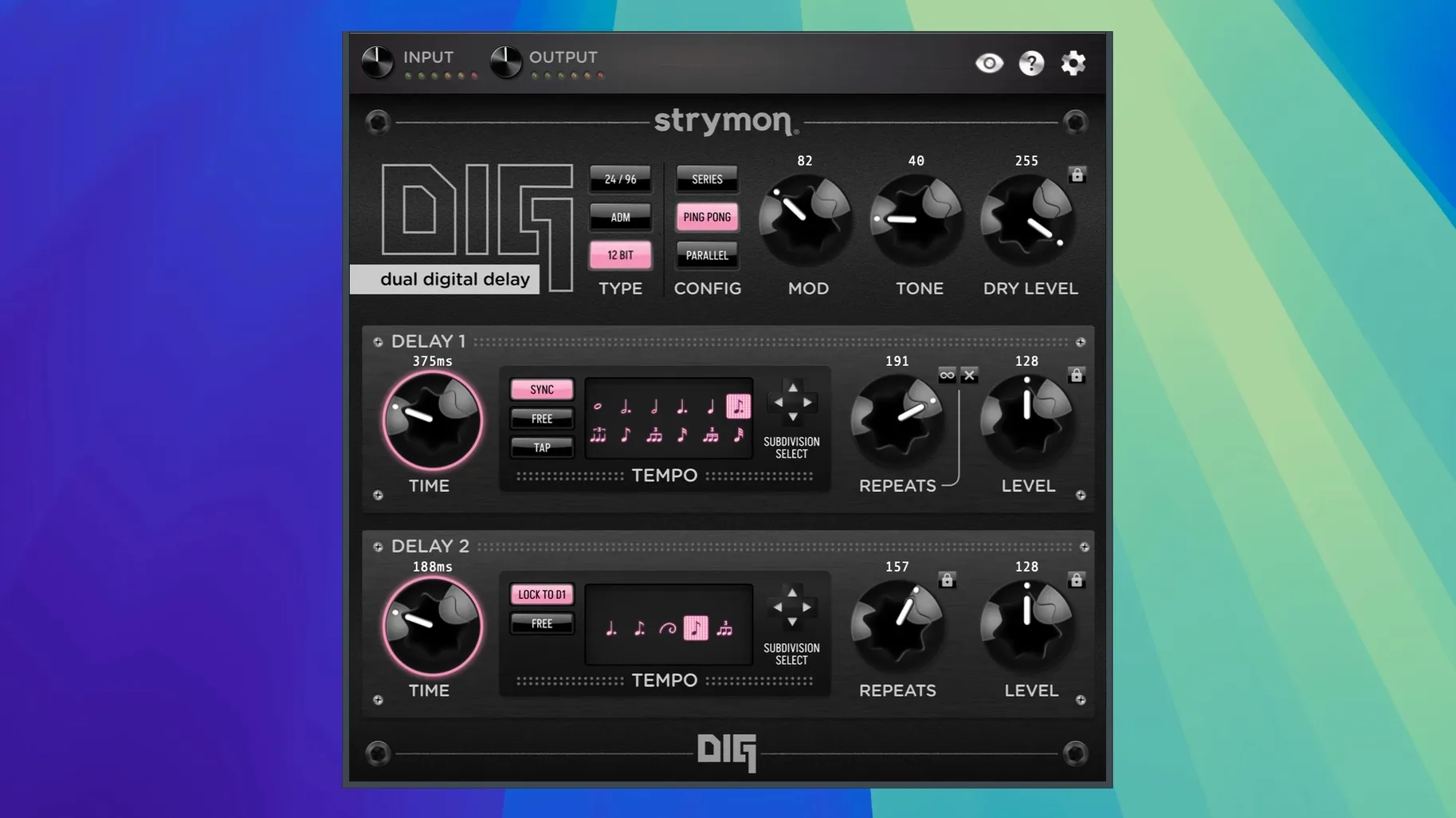
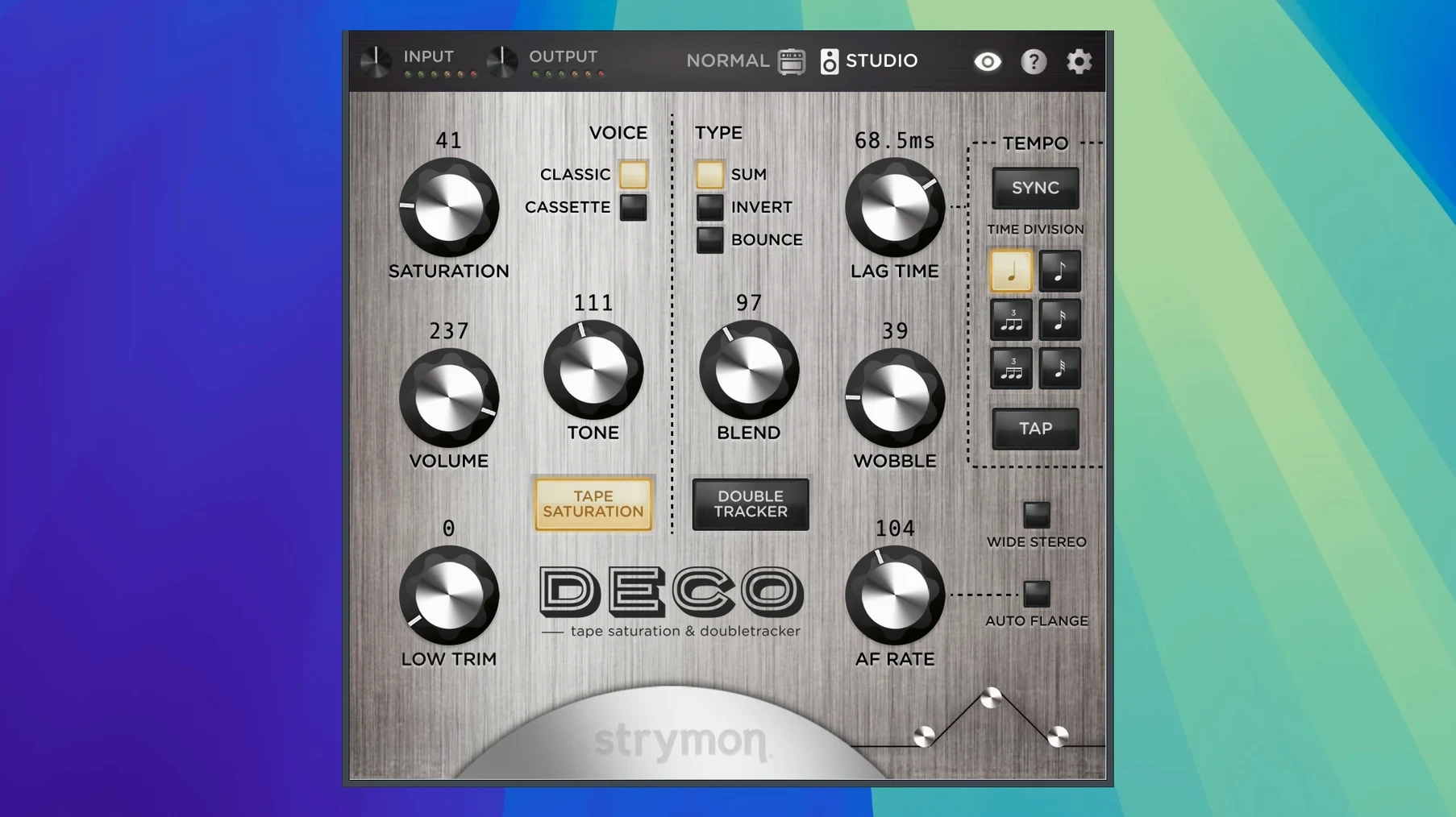
You drop Cloudburst on an ambient piano bus, send the snare through DIG for a ping-pong stereo spread, and nudge the mix buss with Deco’s tape saturation. The Strymon Plugin Bundle lands in a session not as a single flavor but as a dedicated rack of verbs and delays, each with a clear job. All six plugins run natively on ARM and x86 64-bit architectures under a unified installer.
- BigSky – cavernous, modulated reverb machine with the improved algorithms from version 2026.02.
- Cloudburst – dense ambient reverb that leans into orchestral bloom; updated algorithms in this release.
- NightSky – reverb meets a sequencer-like pitch shifter; requires 8 GB RAM on its own.
- DIG – dual digital delay lines that lock to tempo for rhythmic patterns and offset repeats.
- El Capistan – a tape echo model with wow, flutter, and multi-head spacing.
- Deco – tape saturation color paired with a dual flanger and chorus section.
The collection fits anywhere a send, insert, or print track needs motion and space. NKS 2.0 integration puts the controls on your hardware, while the new unified MIDI Learn system means you map a knob once and it works the same way across the set. Everything ships in a single .dmg, and macOS 12 or later is the only gatekeeper you’ll meet.
What tends to trip people up?
Most snags aren't bugs — they're quirks of the iLok activation and a few plugin-host assumptions. If you launch your DAW and find blank slots where the Strymon plugins should be, first check your iLok License Manager. Each plugin needs its license activated to your account or a physical iLok key; the bundle doesn't run in demo mode without it. A silent failure after install almost always traces back to the license not being seen.
On Apple Silicon machines running Logic Pro or Ableton Live natively, a missing plugin sometimes means your host hasn't finished scanning the new AU or VST3 components. Force a rescan from your DAW's plugin manager. NightSky is the most demanding of the bunch — it won't load if your system scrapes by with 4 GB of RAM, and it expects macOS 14.8 or newer, even though the bundle itself only requires macOS 12.
A tempo-sync hiccup in older sessions that used Volante should be gone in version 2026.02, but if you open a project saved before the fix, toggle the sync button off and on again to force the plugin to recalculate its clock. Finally, the unified MIDI Learn system maps controls per plugin, not globally across the bundle — so mapping Deco's saturation knob won't automatically link to the same CC on El Capistan until you teach it there.
How a session usually goes
You open a mix in Logic with drums, bass, two guitar tracks, and a vocal. The snare feels dry, so you insert DIG on a mono-to-stereo track. Set Time 1 to a dotted-eighth, Time 2 to a quarter-note, mix in a bit of the secondary delay, and the snare suddenly pushes and pulls in a wide stereo image without stepping on the vocal.
Next, you load Cloudburst on a send and route the backing vocal to it. The Ensemble control adds a subtle, airy pitch spread that sits behind the lead, not in front of it. You automate the send level to swell during the bridge.
On the master buss, Deco runs at the end of the chain — tape saturation barely nudging the needle, the wobble control adding a little slow movement. The whole mix warms up. Before printing, you map Deco's saturation to a knob on your Komplete Kontrol keyboard via the NKS 2.0 panel and ride it slightly higher in the chorus. The session wraps, the CPU meter stays green, and the only thing you hunted for was the sweet spot on Deco's Lag knob.
Pull the Lag Time fader left for through-zero flanging
- Deco: pull the Lag Time fader all the way left and listen to the flanger through zero. Then switch the Blend to Sum mode for a mono-compatible chorus that doesn't collapse in headphones.
- DIG: flip Sync off and set Time 1 to 300 ms, Time 2 to 500 ms. The unsynced free-running delays create a looser, analog-feeling space that works better on vocals than quantized eighths.
- Cloudburst: drop the Pre-Delay to zero and push the Diffusion knob up. The reverb tail blurs into a thicker wash, perfect for swelling pads where you don't want an audible first reflection.
- El Capistan: switch Tape Age to Old and Tape Crinkle to around 3. The repeats warp and crackle in a way that makes a clean guitar sound like it was bounced to a worn-out 1/4-inch machine.
- MIDI Learn: right-click any parameter, assign a CC, and that mapping sticks across session reloads. Do this for the Wet/Dry on your most-used plugins and you'll mix with hardware faders instead of the mouse.
- NightSky v1.2.0 is now included in the bundle.
- Native Instruments NKS 2.0 integration added for all plugins.
- Unified MIDI Learn system implemented across the collection.
- Reverb algorithms in BigSky and Cloudburst improved.
- Tempo-sync issue in Volante fixed.
- macOS 15 Sequoia support added.
- macOS 12 or later
- Apple silicon or Intel (ARM and x86 64-bit)
- 8 GB RAM minimum (NightSky requirement)
- Interface language: English
$ man strymon-plugin-bundle | grep -A2 "?"
What plugins are in the Strymon Plugin Bundle?
It includes BigSky, Cloudburst, NightSky, DIG, El Capistan, and Deco.
Does it run natively on Apple silicon?
Yes, the bundle supports ARM and x86 64-bit architectures, so it runs natively on Apple silicon and Intel Macs.
What is the difference between the Strymon Plugin Bundle and the Echo Plugin Bundle?
The Echo Plugin Bundle is a smaller collection with DIG and El Capistan, while the full Plugin Bundle adds BigSky, Cloudburst, NightSky, and Deco.
Comments 0
Sign in or create an account to leave a comment.
No comments yet. A codec, a slice, a machine — they appear after moderation.
More in VST Plugins
cd ../ Steinberg SpectraLayers Pro
VST Plugins 3.9 GB
 Superior Drummer
VST Plugins 625 MB
 Supertone Air
VST Plugins 408 MB
 Spire
VST Plugins 158 MB
 Synapse Audio The Legend HZ v2.0.2.R1
VST Plugins 472 MB
 T-RackS
VST Plugins 2.3 GB
 Sonic Academy KICK
VST Plugins 358 MB
 Sonarworks SoundID Reference
VST Plugins 718 MB